6868
6868
68
20323163en_ba_a0
Short Message Service (SMS)
Write, send, save SMS messagesWrite, send, save SMS messages
Write, send, save SMS messagesWrite, send, save SMS messages
Write, send, save SMS messages
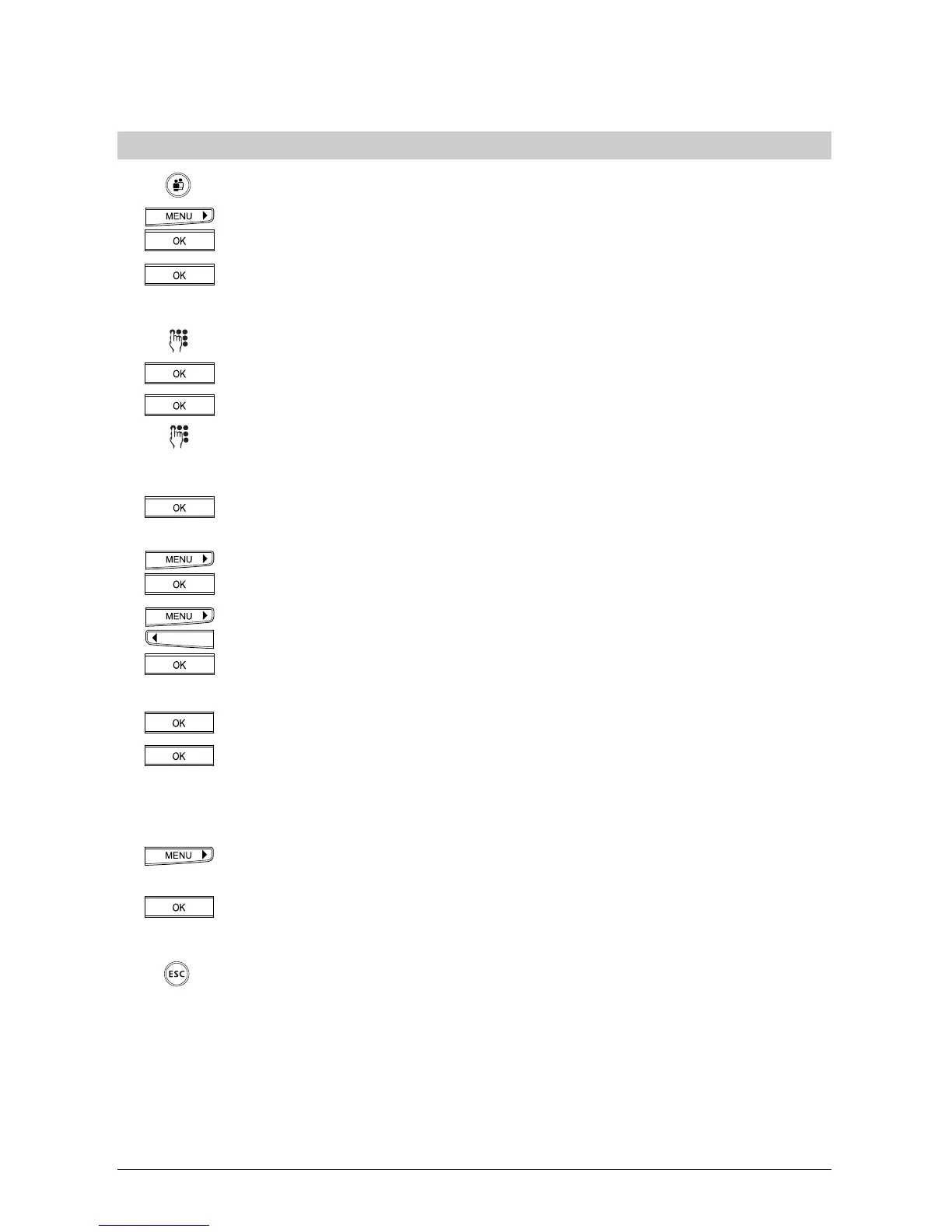
Select the user.
Press the menu key repeatedly. »Messages (SMS)«.appears in the display. Press
the OK key.
"Send SMS” appears in the display. Press the OK key.
To send the SMS to a mobile phone or an ISDN phone which supports SMS:
Write your message.
Press the OK key. »SMS Recipient« appears in the display.
Press the OK key to confirm.
Enter the number.
Or…
If the number is stored in the phonebook, press the OK key until »Send«
appears.
Press the right arrow key until (>) until »From Phonebook« appears.
Press the OK key.
Use the arrow keys to navigate the phonebook until you find the number.
Press the OK key.
…Continue
Press the OK key. »Send« appears in the display.
Press the OK key.
Or…
To save the SMS for sending at a later stage:
»SMS Recipient« appears in the display. Press the right arrow key (>) until
»Save« appears.
Press the OK key. The SMS is saved.
…Continue
To exit the menu, hold down the ESCAPE key.



 To Next Page