3838
3838
38
20323163en_ba_a0
Three-party conferenceThree-party conference
Three-party conferenceThree-party conference
Three-party conference
You are conducting two calls and switching between them. Now you want all parties to be able
to speak to each other.
➭
The following instructions govern calls made over the ISDN basic access. For information
on operating your Ascom Eurit 25 when connected to a PBX, refer to your PBX
documentation and the section on »PBX Access« in this manual.
Three-party conference with existing connectionsThree-party conference with existing connections
Three-party conference with existing connectionsThree-party conference with existing connections
Three-party conference with existing connections
Your phone has two active calls between which you have been switching.
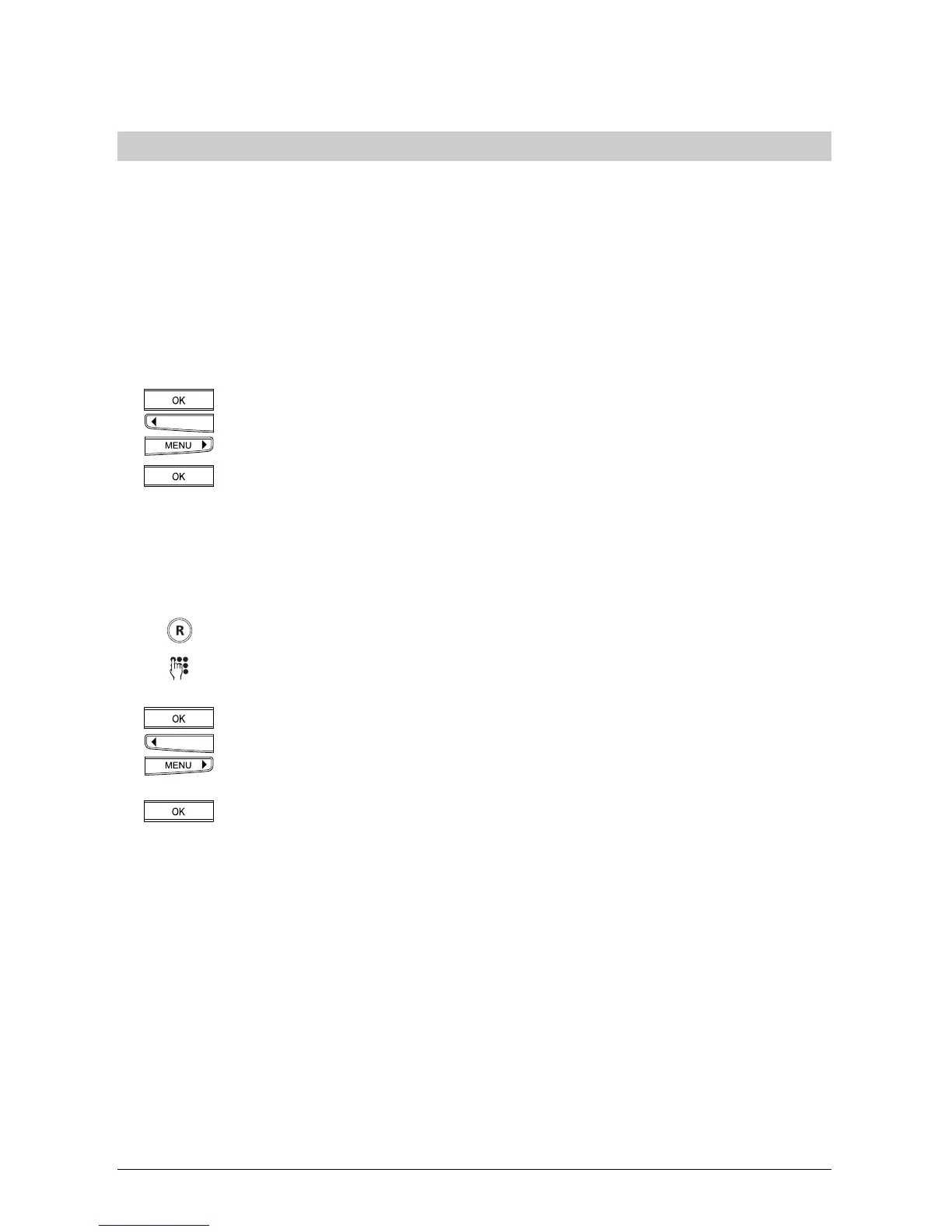
Press the OK key and the arrow keys (<) or (>) until »Conference« is displayed.
Press the OK key. All connections are linked up. Everyone can hear and speak
to each other.
Setting up a three-party conferenceSetting up a three-party conference
Setting up a three-party conferenceSetting up a three-party conference
Setting up a three-party conference
You want to involve another person in an active call.
Press the R key. The active call is put on hold.
Enter the subscriber’s number with prefix. Wait for the call to be answered and
ask the person to participate in a three-party conference call.
Stay connected and press the OK key and the arrow keys (<) or (>) until
»Conference« is displayed.
Press the OK key. All connections are linked up Everyone can hear and speak to
each other.
➭
Inform your call partner that he will hear nothing during the time required for you to call the
third person, although he will stay connected.
Telephoning



 To Next Page