7070
7070
70
20323163en_ba_a0
PBX access
You can also connect your Ascom Eurit 25 to a PBX. Since the functionality is dependent on
your PBX type, please refer to your PBX instruction manual before connecting the telephone.
You can also program several users when connected to a PBX and assign them different
extension numbers.
PBX access on/offPBX access on/off
PBX access on/offPBX access on/off
PBX access on/off
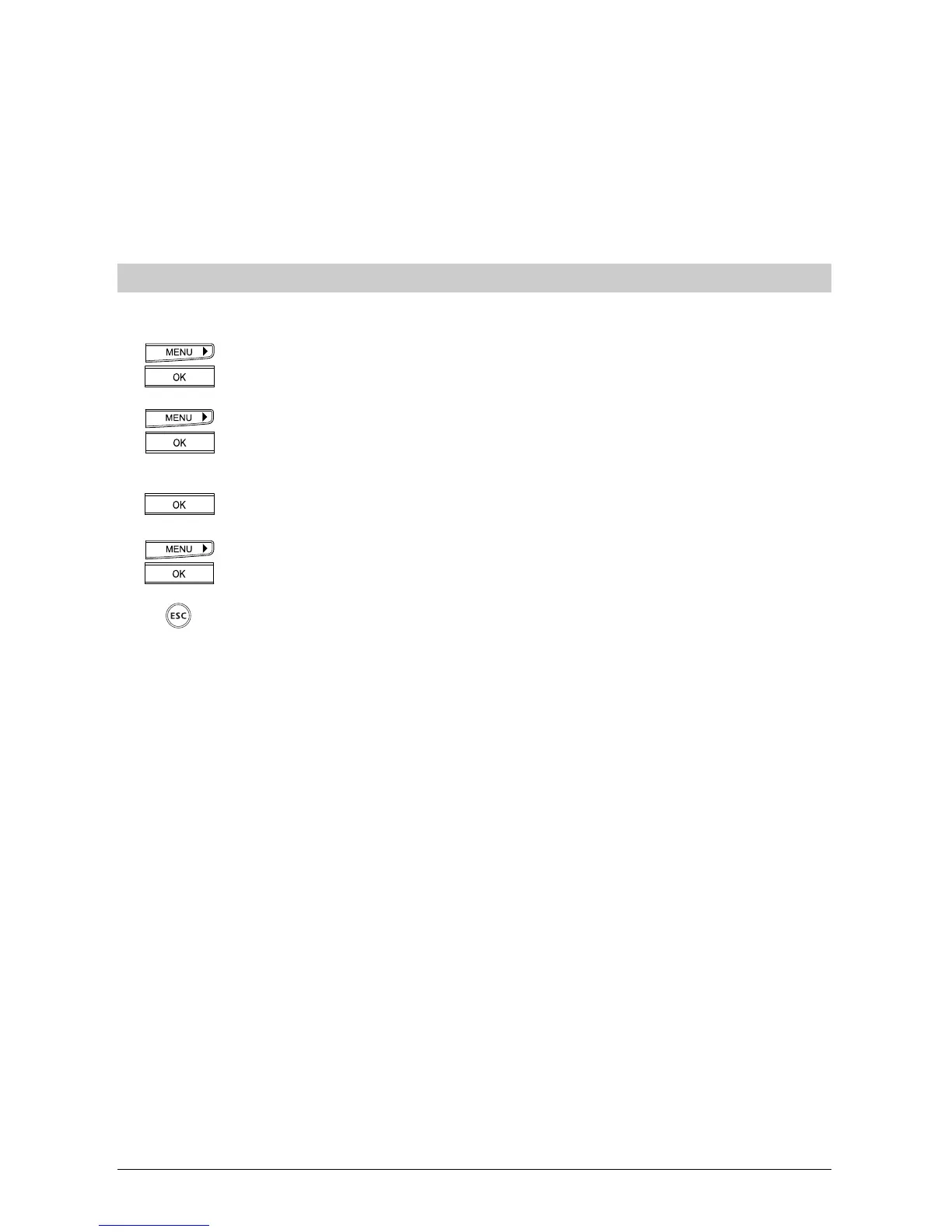
Check whether PBX access is activated and activate it if necessary:
Press the menu key repeatedly until »Installation« is displayed.
Press the OK key to confirm.
Press the right arrow key (>) until the display shows »PBX«. Press the OK key to
confirm.
The display shows »PBX access« with the current setting (On/Off).
Press the OK key to confirm.
Use the right arrow key to activate/deactivate the function.
Press the OK key to confirm.
If you wish to exit the menu, hold down the Escape key.
➭
Once »PBX access« is activated, all PBX settings (EAC, automatic sending of keypad,
transfer via ...) are activated.



 To Next Page