2828
2828
28
20323163en_ba_a0
Listening by loudspeakerListening by loudspeaker
Listening by loudspeakerListening by loudspeaker
Listening by loudspeaker
If you press the loudspeaker key during a call, anyone present in the room can listen in to your call.
You are talking on the handset and want others in the room to listen in.
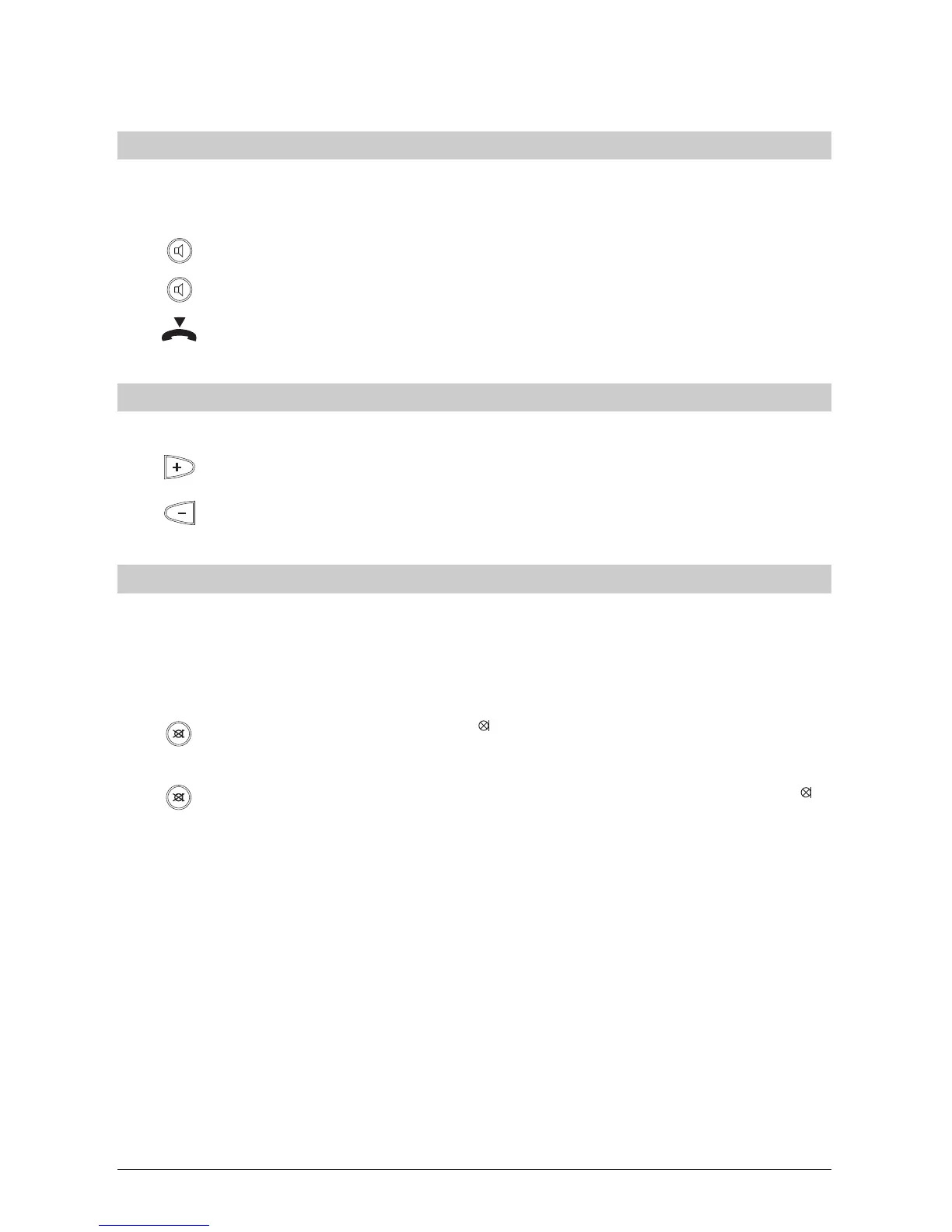
Press the loudspeaker key to activate the loudspeaker.
Press the loudspeaker key again to deactivate the loudspeaker.
Replace the handset to terminate the call.
Setting the volumeSetting the volume
Setting the volumeSetting the volume
Setting the volume
If the loudspeaker is activated, you can change the volume.
Press the plus key. The volume is increased each time you press the key.
Press the minus key. The volume is decreased each time you press the key.
Microphone offMicrophone off
Microphone offMicrophone off
Microphone off
If you do not want your call partner to hear you e.g. if you want to ask a question or talk to
someone in the room, you can switch the handset microphone off. You can still hear the call
partner.
You are conducting a call:
Press the mute key. The symbol
is displayed and your call partner no longer
hears you.
Press the mute key again to resume talking to your call partner (the symbol
disappears and the call partner can hear you again).
Telephoning



 To Next Page