6666
6666
66
20323163en_ba_a0
Short Message Service (SMS)
Handling incoming SMS messagesHandling incoming SMS messages
Handling incoming SMS messagesHandling incoming SMS messages
Handling incoming SMS messages
Read SMSRead SMS
Read SMSRead SMS
Read SMS
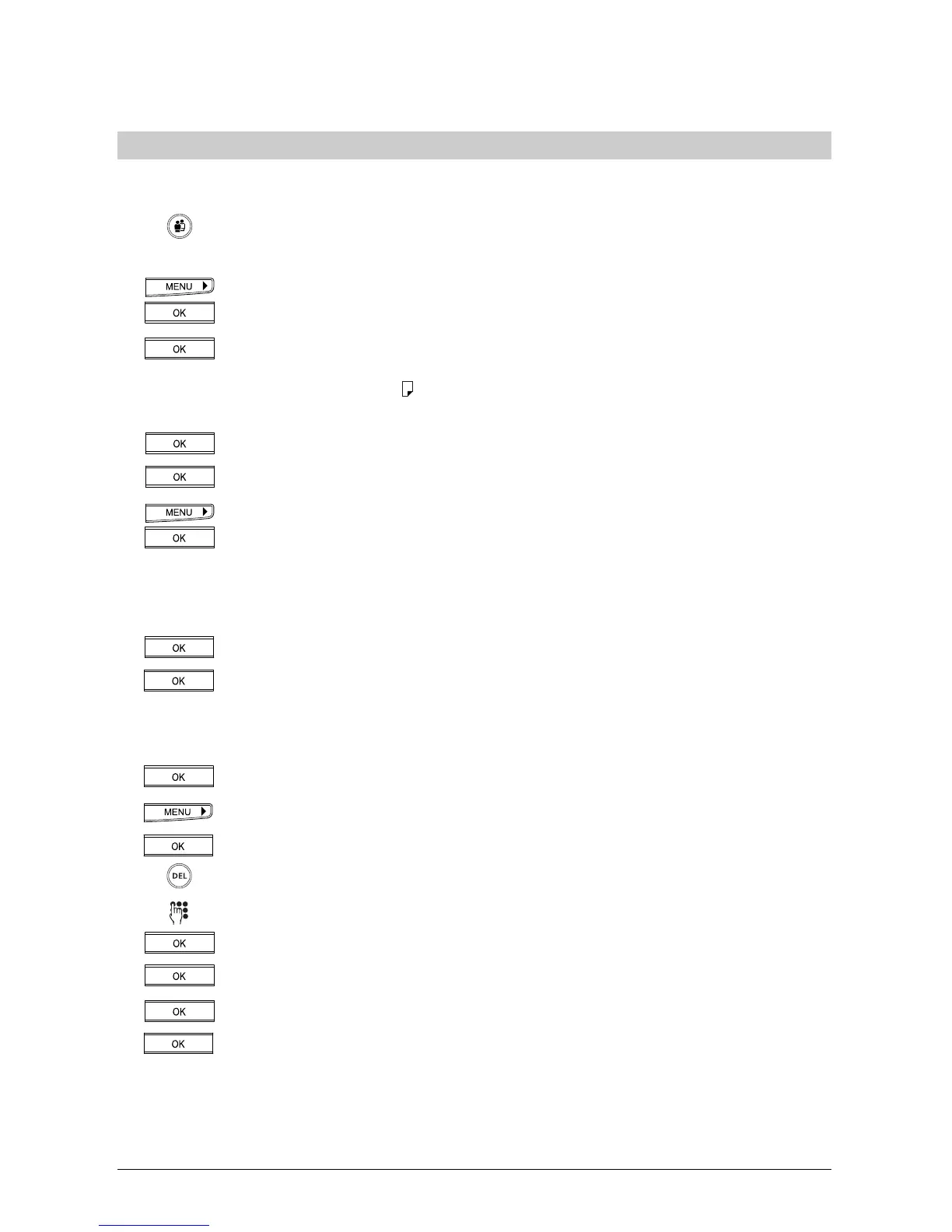
Select the user.
Only calls/SMS outside brackets are intended for you.
Press the menu key repeatedly to display »Caller list«. Press the OK key.
Press the OK key to confirm. The number of the last call/SMS is displayed (along
with the caller’s/sender’s name if the number is stored in the phonebook). If
the SMS pictogram »
« appears before the number/name, this indicates an
SMS. If not, it is a voice call.
Press the OK key. »Read« appears in the display.
Press the OK key. The SMS message is shown as scrolled text.
If you want to know the date and time the SMS was received, go to »Info«
rather than »Read« and press the OK key. The date and time are displayed.
Delete, reply, forward or save SMSDelete, reply, forward or save SMS
Delete, reply, forward or save SMSDelete, reply, forward or save SMS
Delete, reply, forward or save SMS
You have read the SMS and want to delete it:
Press the OK key. »Delete« appears in the display.
Press the OK key. The SMS is deleted.
Or…
You have read the SMS and want to reply:
Press the OK key. »Delete« appears in the display.
Press the right arrow key (>) until »Reply« appears.
Press the OK key. The display shows the sender’s SMS.
Delete unnecessary text by pressing the DEL key.
Write your message.
Press the OK key. »SMS Recipient« appears in the display.
Press the OK key to confirm. The sender number is displayed.
Press the OK key. »Send« appears in the display.
Press the OK key. The reply is sent.
➭
You can delete the entire SMS text in one go by holding down the DEL key (long-click DEL).



 To Next Page