6767
6767
67
20323163en_ba_a0
Short Message Service (SMS)
Or…
You have read the SMS and want to forward it:
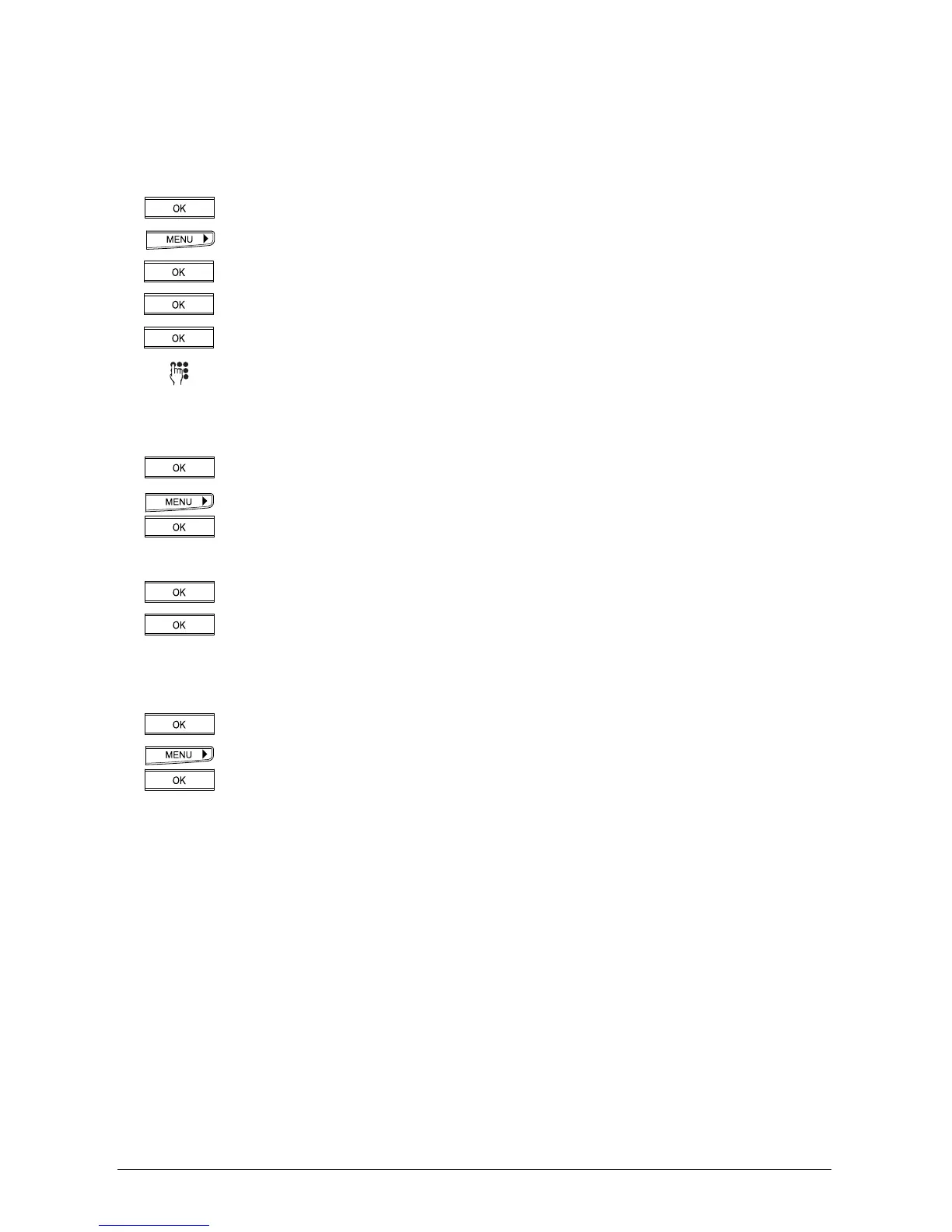
Press the OK key. »Delete« ppears in the display.
Press the right arrow key (>) until »Forward« appears.
Press the OK key. The display shows the sender’s SMS.
Press the OK key. »SMS Recipient« appears in the display.
Press the OK key. »No._« appears in the display.
Enter the number with area code.
Or…
To search for a number in the phonebook:
Press the OK key. »Send« appears in the display.
Press the right arrow key (>) until »From Phonebook« appears. Press the OK
key to confirm. Select the entry.
…Continue
Press the OK key. »Send« is shown.
Press the OK key. The SMS is sent.
Or…
You have read the SMS and want to save it:
Press the OK key. »Delete« ppears in the display.
Press the menu key until "Save” appears.
Press the OK key. The SMS is saved.
➭
The storage capacity of your phone is limited (see also »Storage capacity«).
➭
After saving, the SMS is removed from the caller list and can be retrieved from the
»Messages (SMS)« menu / »Saved SMS« submenu.



 To Next Page