3030
3030
30
20323163en_ba_a0
Telephoning
Manual call parkingManual call parking
Manual call parkingManual call parking
Manual call parking
(if no park code is programmed.)
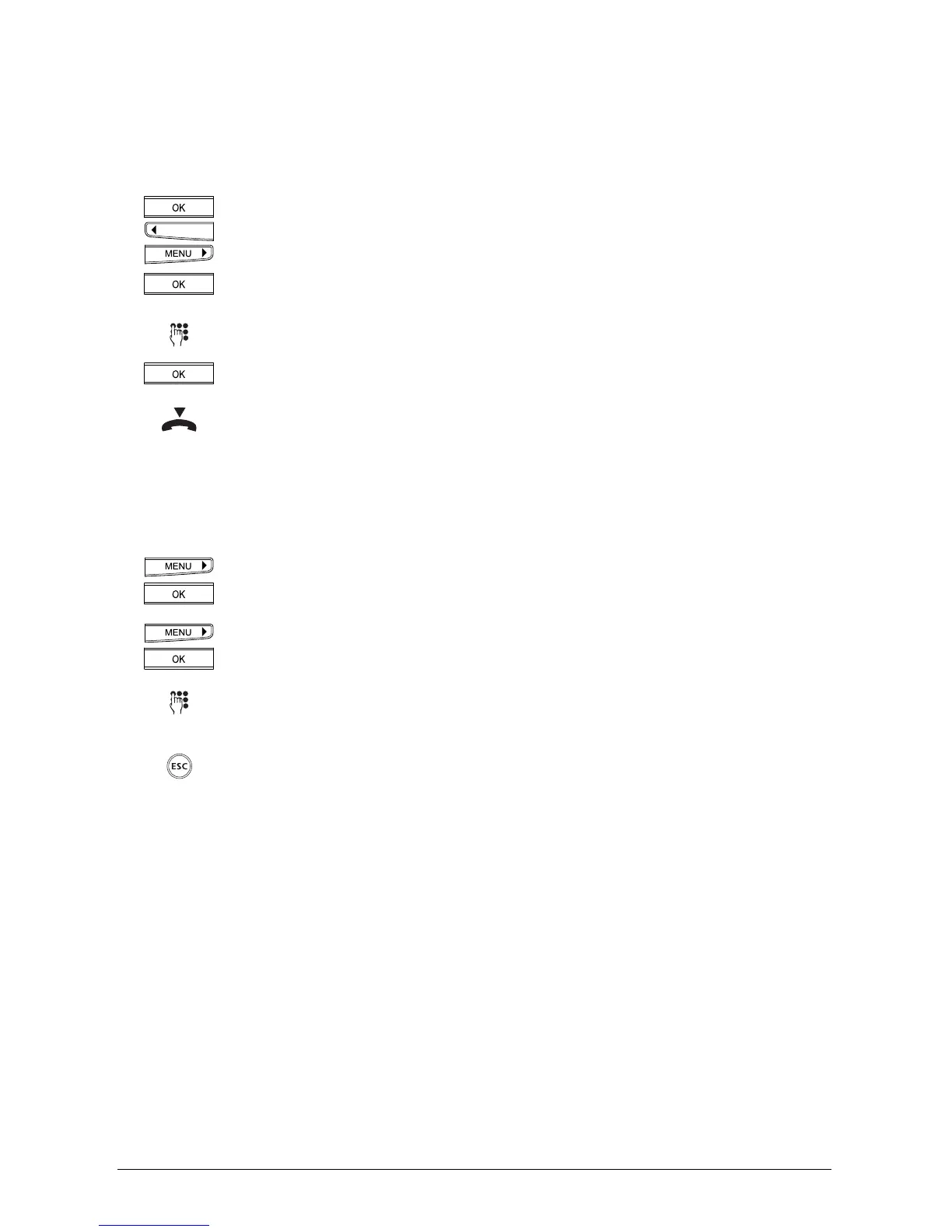
Press the OK key and the arrow keys (<) or (>) until »Park/Unpark« is displayed.
Press the OK key.
Enter a (temporary) park code.
Press the OK key to confirm.
Replace the handset.
Entering the park codeEntering the park code
Entering the park codeEntering the park code
Entering the park code
Every user can enter his or her own park code if he or she wishes to park calls using a code
other than the default code 1.
Press the menu key repeatedly until the display shows »User settings«.
Press the OK key to confirm.
Press the right arrow key (>) until the display shows »Park code«.
Press the OK key to confirm.
Enter the code.
Press the OK key to confirm.
If you wish to exit the menu, hold down the ESCAPE key.



 To Next Page