88 G12 OEM Board & Sensor Reference Manual
$PASHQ,PPS,[c1]
This command allows you to query for timing pulse parameters, where c1 is the
optional port designator for the output of the response. If a port is not specified, the
receiver sends the response to the current port.
$PASHR,PPS
The response message is output in the format:
$PASHR,PPS,f1,f2,c3*hh
Table 4.31 defines the parameters.
See Timing Pulse & Measurement Strobe (Optional) on page 42 for more information on the
conditions surrounding timing pulse generation, accuracy, and precision.
PRR: Extended-Memory— Extended Memory G12 Only
$PASHS,PRR,c1
This command allows you to upload the current ephemeris and almanac data in
Ashtech format (SNV and SAL) to a receiver so when it is powered on it is hot (up
to date) and TTFF (time to first fix) is minimum.
To enable ephemeris and almanac uploading mode issue the $PASHS,PRR,Y
command. After uploading the data, turn PRR off by issuing the command
$PASHS,PRR,N. The default is N.
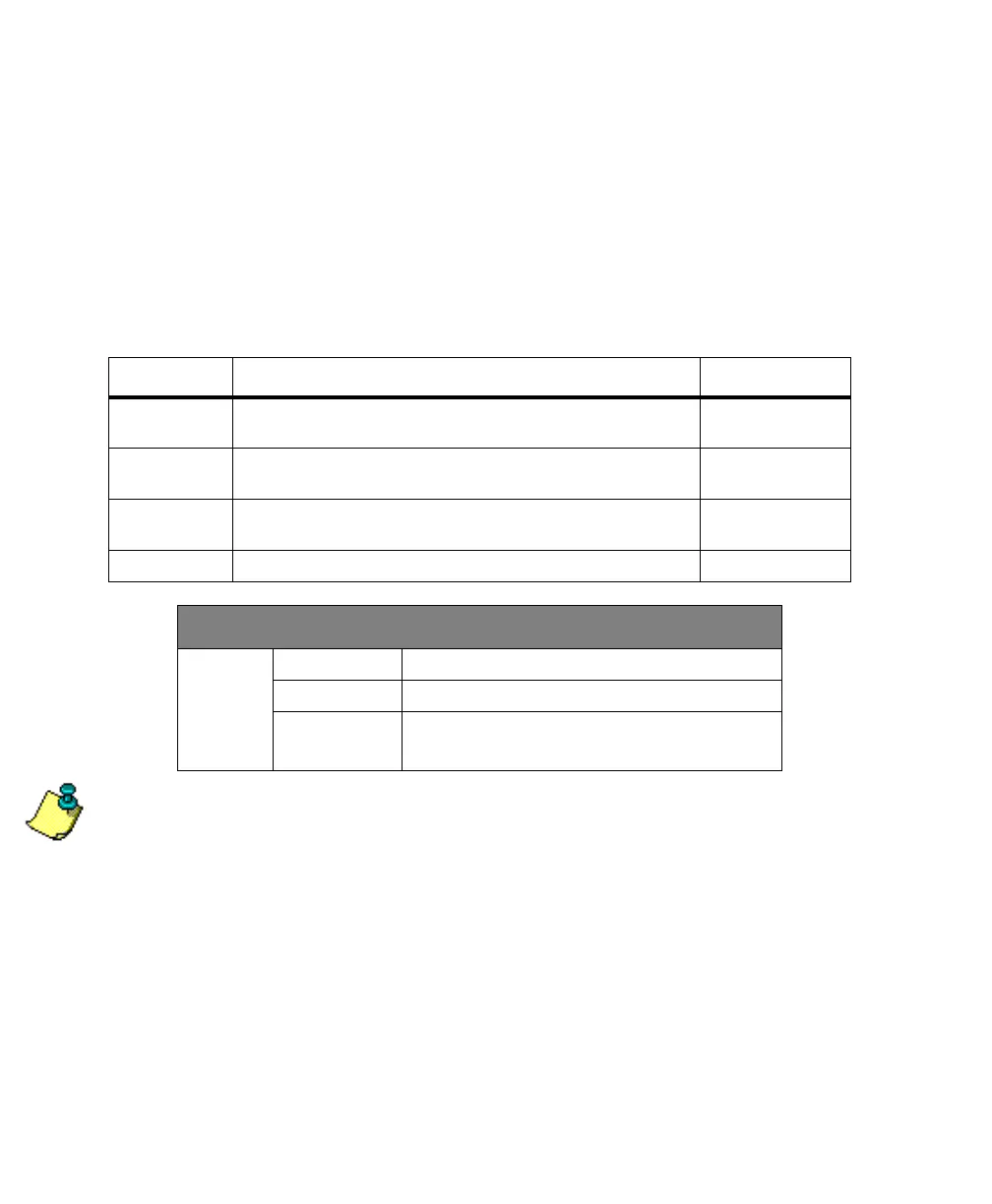
Table 4.31. $PASHR,PPS Message Format
Parameter Description Range
f1 Timing pulse output interval (seconds). Timing pulse output is
disabled when this parameter is set to zero
0 - 99.90
f2 Timing pulse offset value (milliseconds) -999.9999 to
+999.9999
c1 Synchronization parameter setting for GPS time R(ising edge)
F(alling edge)
*hh Checksum
DEFAULT SETTING
PPS Period 1 second
Offset 0.0000
Synchroniza-
tion
GPS time synchronized to the rising edge of the
pulse
G12RevD.book Page 88 Tuesday, April 2, 2002 4:33 PM



 To Next Page