210 G12 OEM Board & Sensor Reference Manual
• Check cables and power supplies. Many hardware problems are related
to these components.
• If the problem seems to be with your computer, re-boot it to clear the
system's RAM memory.
• If you are experiencing receiver problems, reset the receiver as
documented in the set commands section of this manual. Note that the
reset command clears receiver memory and resets operating parameters
to factory default values.
• Verify that batteries, including the backup battery for RAM memory, have
adequate charge.
• Verify that the antenna is oriented skyward and is unobstructed by trees,
buildings, or other objects overhead.
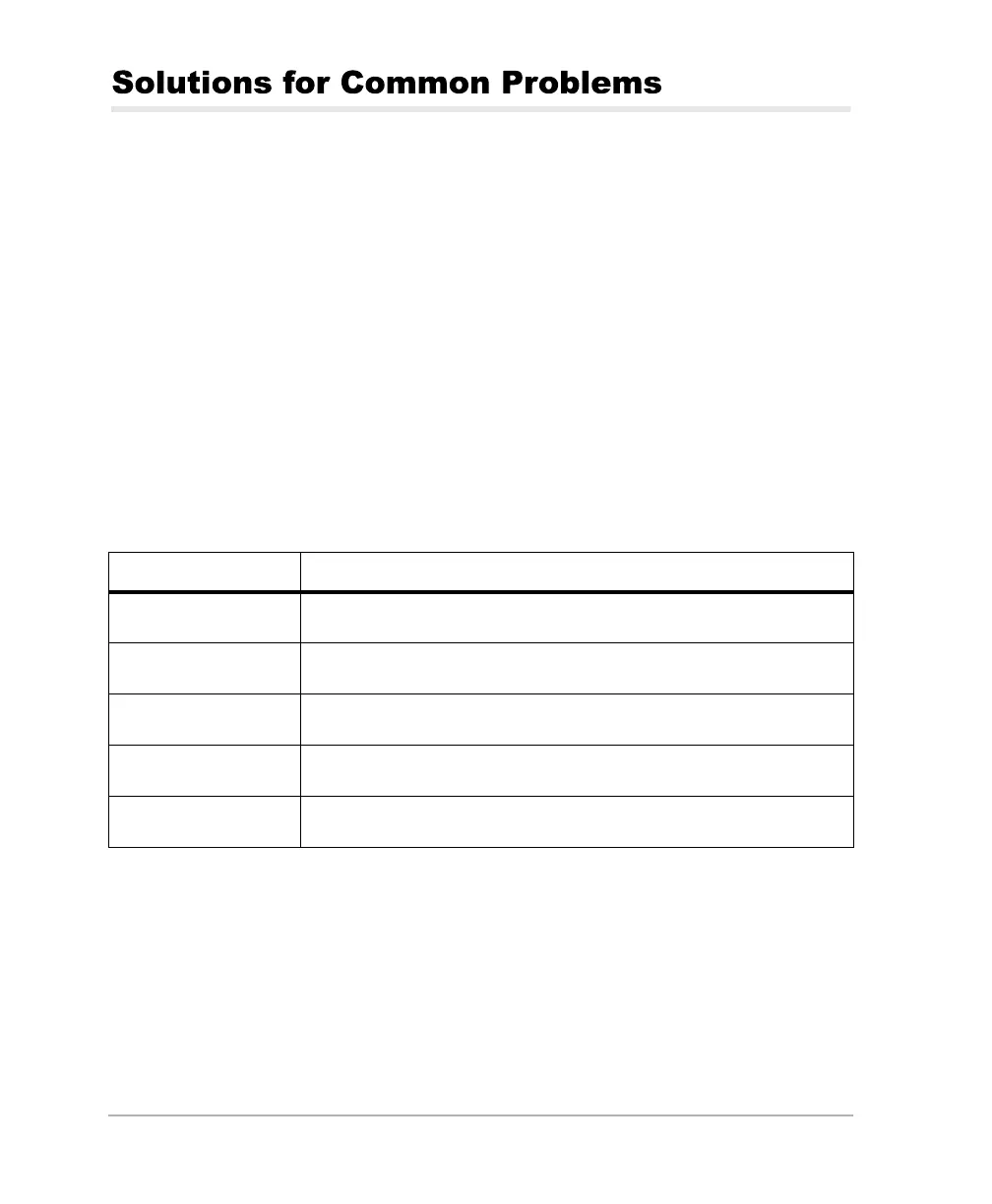
If these suggestions don’t solve the problem, contact the Customer Support
team. To assist the Customer Support team, please have the following
information in hand:
Table C.1. GPS Product Information
Information Category Your actual numbers
Receiver model
Receiver serial #
Software version #
Firmware version #
Options*
G12RevD.book Page 210 Tuesday, April 2, 2002 4:33 PM



 To Next Page