Page 32
3
DRIVERS
This chapter deals with driver installation and updates.
3.1
Driver Installation
3.1.1 Windows Operating
Systems
The user must have administrator rights to install
and run the UP program for the first time. Standard
user rights are sufficient for further use.
FORTE drivers are installed automatically as part of the
UP program installation.
Windows 7 and later
Start with installing the UP program. Its installer installs
the USB driver for FORTE, too. You can find the installer
on the supplied CD-ROM or on the web (the preferred
option).
Once the installation is complete, connect the FORTE
programmer to your computer. The green ON-LINE LED
should turn on after a few moments and the Windows
Device Manager should present the programmer as
correctly installed.
Older supported Windows
versions
The driver contained in the UP installer is intended for
Windows 7 and later. For older Windows operating system
versions the driver has to be downloaded from
www.asix.net, from download section of the programmer
and unpacked somewhere. After the programmer has
been connected, the operating system asks for the driver.
In "Found New Hardware" dialog the path to the
unpacked driver has to be set.
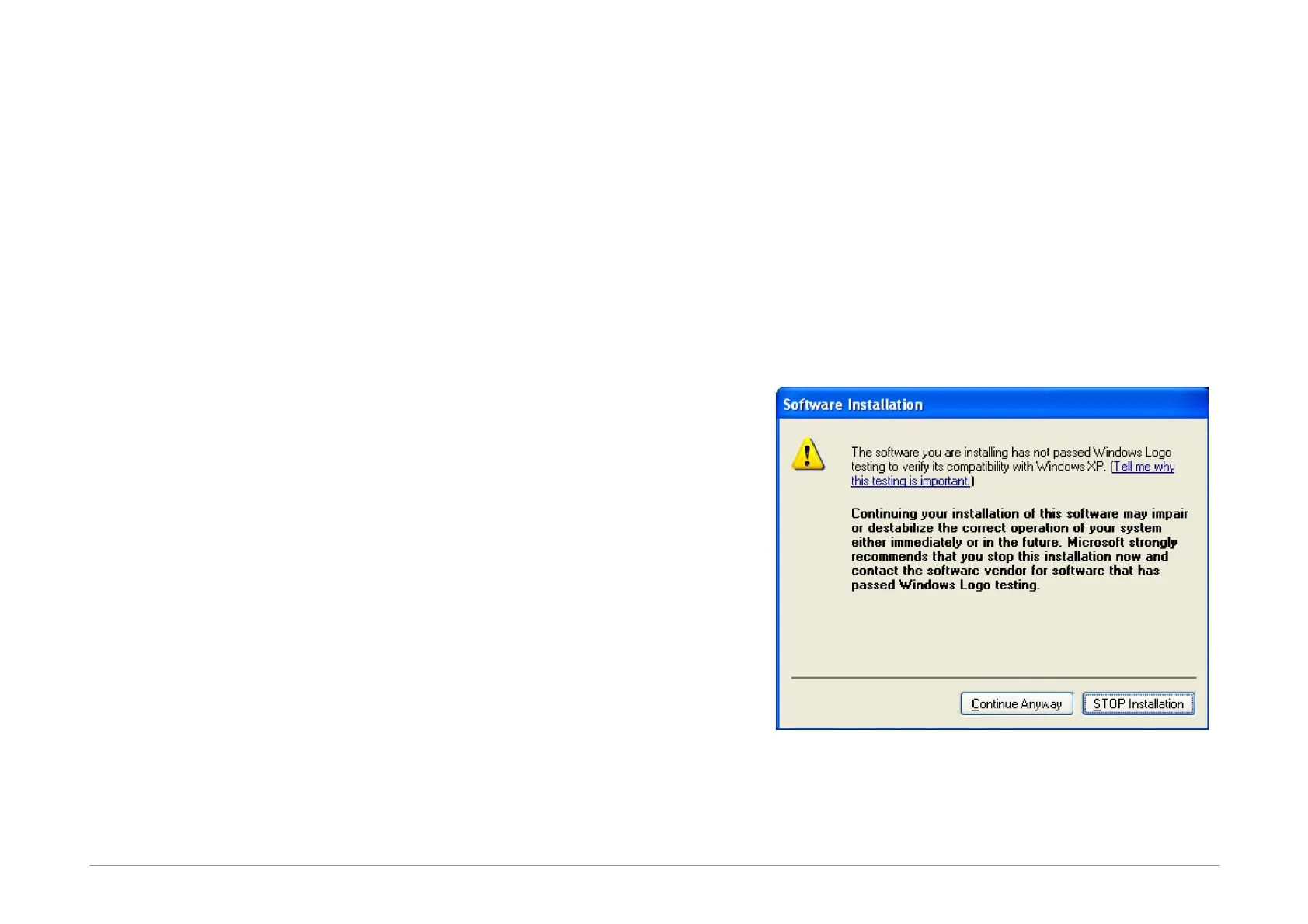
During the installation, the operating system will ask
whether it should install the software, which has not
passed the Microsoft compatibility test for Windows. Click
Continue Anyway.
Fig.33: Compatibility test dialog window
The green ON-LINE LED should turn on after a few
moments and the Windows Device Manager should
present the programmer as correctly installed.



 To Next Page