Page 38
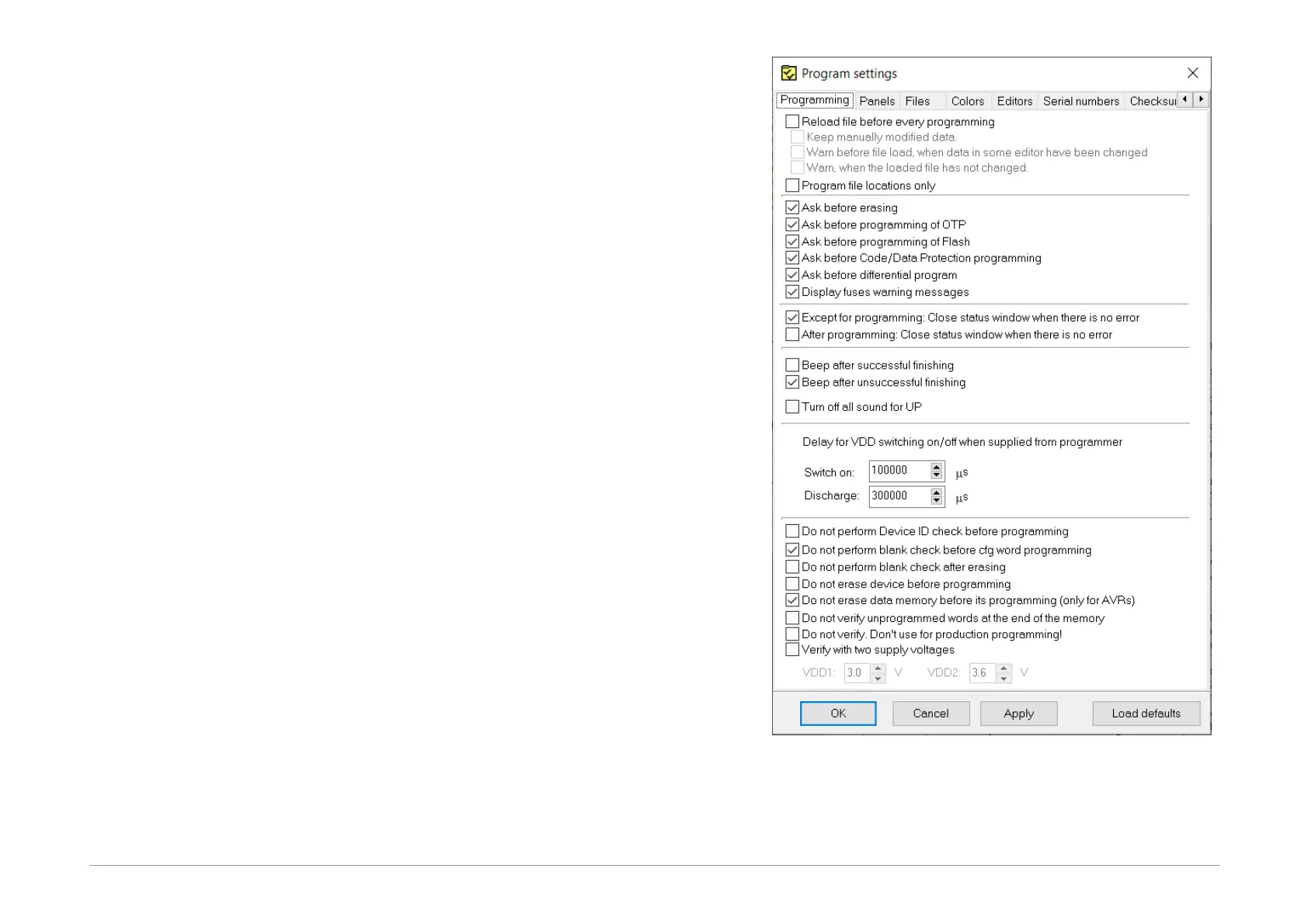
5.3.4 Program settings
It is advisable to fine-tune the program behavior by
adjusting the settings to suit your particular needs. This
can be done by choosing Options ➙ Program settings.
There is a great number of possible settings. If you are
not sure that all the settings are correct, use the Load
defaults button, which returns all the setting to the
original (default) state.
If you are updating UP to a new version, all the existing
settings will be preserved.
A detailed description of all settings can be found in
Menus, so we will pay attention to only a few important
settings for now.
Delay for VDD switching on/off
when supplied from
programmer
If you supply power to your application from the
programmer during programming and UP announces
overcurrent on VDD pin due to charging capacitors in the
application, it may be advisable to enlarge the switch on
time in Program settings... ➙ Programming ➙ Delay
for VDD switching on/off when supplied from
programmer. This might be necessary to give the
programmer enough time to charge the large capacitors
in the application.
At the same place it si possible to set the discharge time,
when the program announces, that the VDD was not fully
discharged.
Fig.36: Programming settings



 To Next Page