Page 37
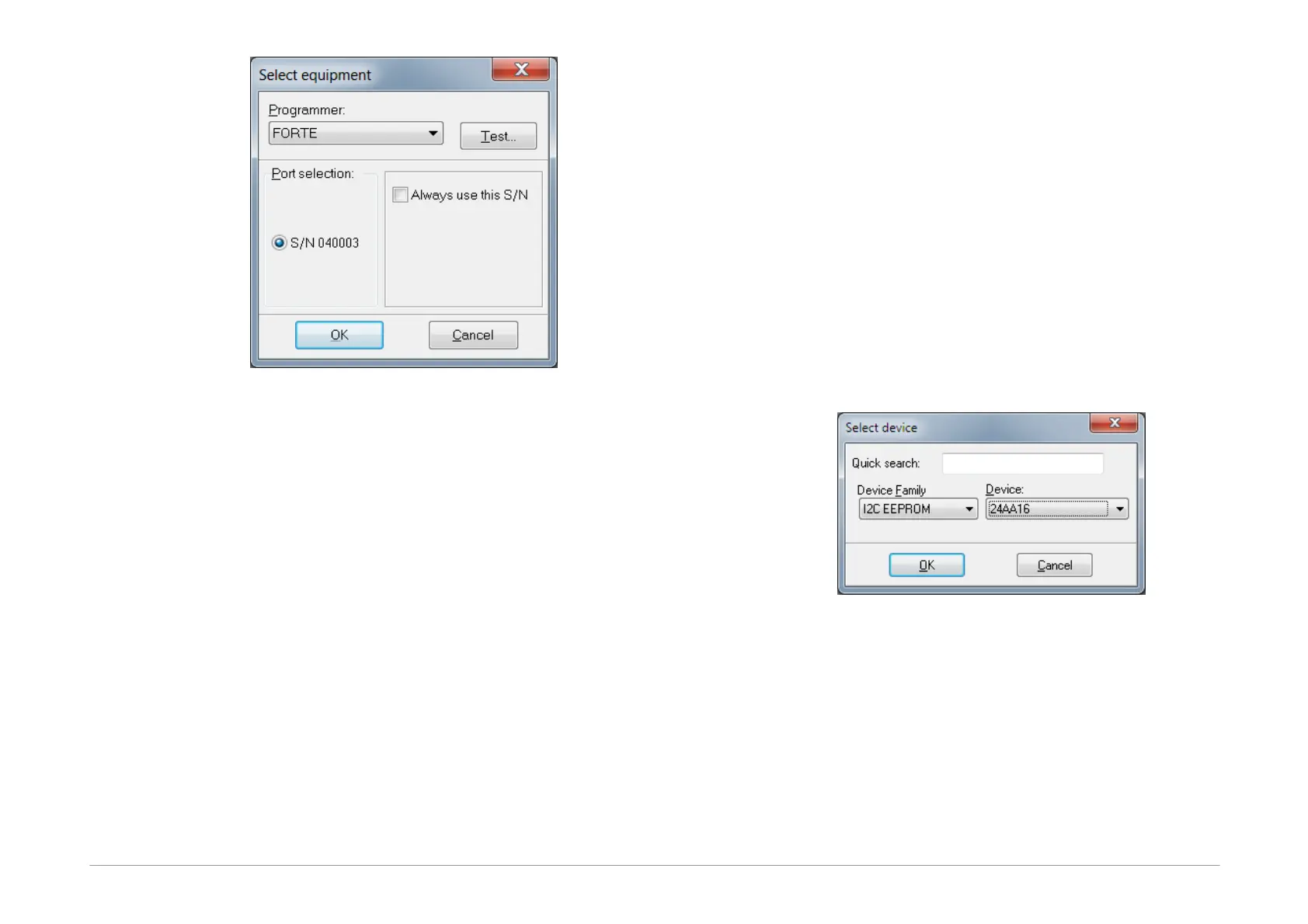
Fig.34: Programmer selection
If the programmer is connected to a computer and no
other program communicates with it, its serial number
gets displayed. You can test communication with the
selected programmer by pressing the Test... button.
If the Always use this S/N choice is set, the currently
selected programmer is used even when in a loaded
project file there is defined a different programmer serial
number. Serial number defined on the CommandLine has
priority before this choice.
5.3.2 Projects
It is recommended to use projects for device programing
in UP.
Projects save all settings directly associated with
particular device programming such as device type,
required voltage, verification method, name of file
containing the programming data and many other
important pieces of information.
A new project can be created by choosing File ➙ New
project.
This is followed by selecting a device type, a file with
programming data, settings of the device's configuration
word, applied voltage and other important parameters.
configuration word, applied voltage and other important
parameters.
Once all required selections are made, save the project by
choosing File ➙ Save project...
An existing project can be opened by choosing File ➙
Open project....
5.3.3 Device Type
Selection
Select the device type by choosing Device ➙ Select
device or by double-clicking the device name displayed
in the top right corner of the program window.
Fig.35: Device selection
A filter is available for sorting devices by families and
another one for Quick search. Just start typing an
important part of the device's name in its field. This
radically reduces the list of devices and speeds up the
whole selection process.
The Quick search filter allows use of the question mark as
a wild-card for a part of the name, for example
PIC18?20.



 To Next Page