Page 40
Programmer Settings
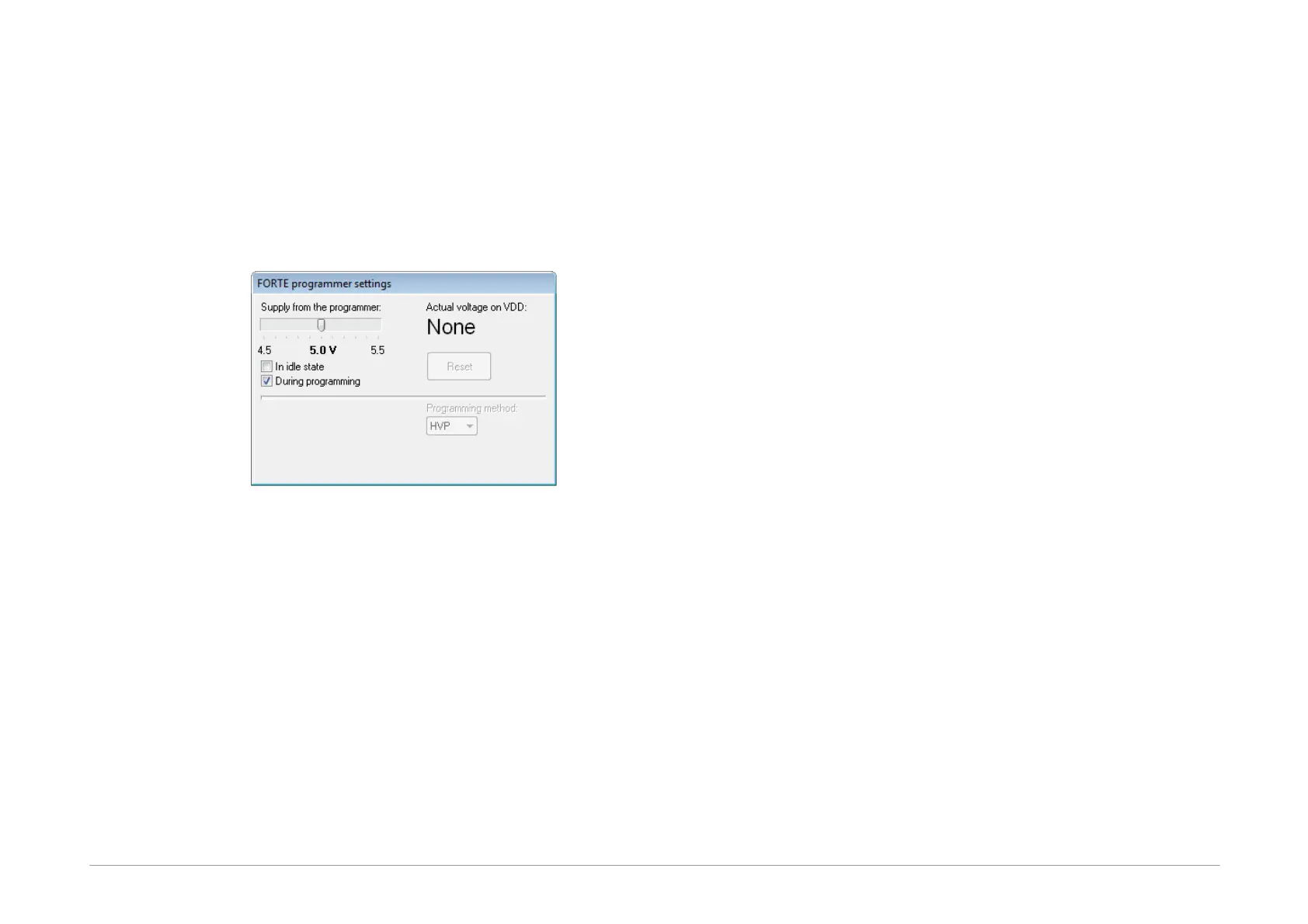
Each time a particular programmer is selected (FORTE or
PRESTO), the programmer settings window is displayed
allowing the user to set the voltage used and some other
important programming options.
If you are using an external power source for feeding the
application, the During programming option must not
be checked.
Fig.37: Programmer settings
The current voltage is continuously displayed in the top
right corner of this window.
Should an error i.e. overload occur, a warning appears at
this place.
The output voltage in the idle state if it is turn on can be
changed only if it is allowed under Options ➙ Program
settings ➙ Others ➙ Allow to change supply voltage
level when it is on (FORTE only).
If a voltage is present at the VDD pin, you can stop the
running microcontroller application by pressing the Reset
button and restart it by pressing the same button again.
Fuses and Working with Them
Characteristics of the device (fuse) to be programmed
can be set in the Configuration window. Changes in
fuses can be saved by choosing File ➙ Save or File ➙
Save project....
If the given .hex file of device includes definitions of its
fuses, fuses are saved in it.
Fuses are saved together with a project in the case of
Atmel microcontrollers and memory chips. If you are
working with these, right-click the Configuration window
once you have set the fuses and use the Learn fuses
option.
If the Options ➙ Program settings ➙ Programming ➙
Reload file before every programming option is
active, the software reloads current file after the
Program button is pressed. If, however, fuses are not
saved in current file and no project is created from which
fuses could be used, the configuration memory initializes
into the default state before each programming
procedure. This can be avoided by deactivating the
Program settings ➙ Files ➙ Erase configuration
memory before file reading option.
Many devices have specific requirements for fuse
settings. Further information on how to correctly set their
fuses can be found in the particular device data sheet.
5.3.5 Programming
Select the file that you want to program by choosing File
➙ Open....
Once the file opens, you can see the current code/main
memory, data memory and configuration memory (fuses).
If you cannot see these windows, activate them under
the View menu.
The memory being programmed can be manually
modified at any time by simply marking the required
location and rewriting its value from the keyboard. If you



 To Next Page