CHAPTER 6 EXPANDED EMERGENCY AND ABNORMAL PROCEDURES
Page 6-12
091-00027-001 REV A Evolution Backup Display Pilot’s Guide
Page 6-13
091-00027-001 REV A
Evolution Backup Display Pilot’s Guide
If all aircraft panel-mounted GPS receivers experience a failure, the RSM Emergency
GPS receiver will provide position data that is shared among all EFDs. In addition, a text
alert is presented at the bottom center of the Navigation Display annunciating RSM
GPS REVERSION EMER USE ONLY (Figure 6-23). This “sharing” feature permits any EFD
(as congured by the installer), to receive and display the RSM GPS position data, thus
assuring continuous navigational awareness to the pilot. In this case, the Basemap data
is approved for emergency use only
Whenever the map has reverted to an alternate position source, all map features and
capabilities are retained, including the display of the ight plan from the selected panel-
mount GPS. However, when the selected GPS is no longer providing position data, the
ight plan is displayed without an active (magenta) leg. The ight plan and Basemap
data from each of the aircraft’s GPS receivers is retained independently. If two external
GPSs were connected prior to failure of both, and if each had a dierent ight plan at
the time of failure, both retained ight plans remain available to the pilot and may be
selected using the PFD’s Navigation Source Select Button.
In the unlikely event that there is a complete loss of all GPS data to the EFD, including
failure of the RSM GPS receiver, all mapping information would be removed from the
EFD display.
NOTE
When airborne, if the PFD’s input voltage is below the
12.8V (14V Electrical System) or 25.6V (28V Electrical
System) automatic battery transition threshold, and
EXT PWR is selected through the POWER SETTINGS
Menu, the PFD will automatically remain connected to
its internal battery.
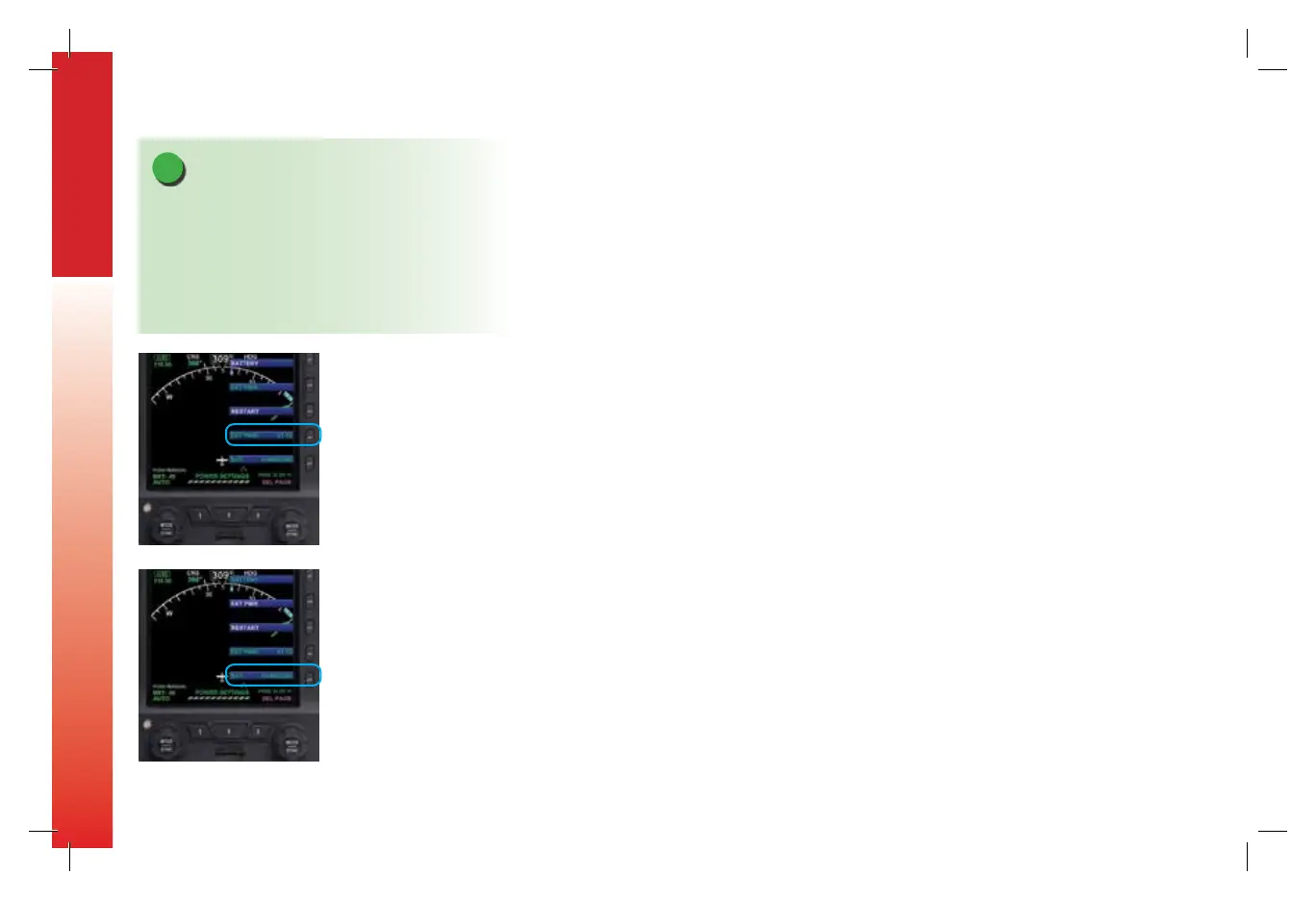
Figure 6-3
External Power Voltage Status
Figure 6-4
Battery Status
091-00027-001 Rev A EBD Pilots Guide V&H .indb 12 8/27/14 8:51 AM



 To Next Page