CHAPTER 3 FLYING THE EVOLUTION BACKUP DISPLAY
Page 3-6
091-00027-001 REV A Evolution Backup Display Pilot’s Guide
Page 3-7
091-00027-001 REV A
Evolution Backup Display Pilot’s Guide
3.2.1. Power Up
Once the pre-ight inspections and checklists are complete, start the engines and turn
on the EBD Master switch.
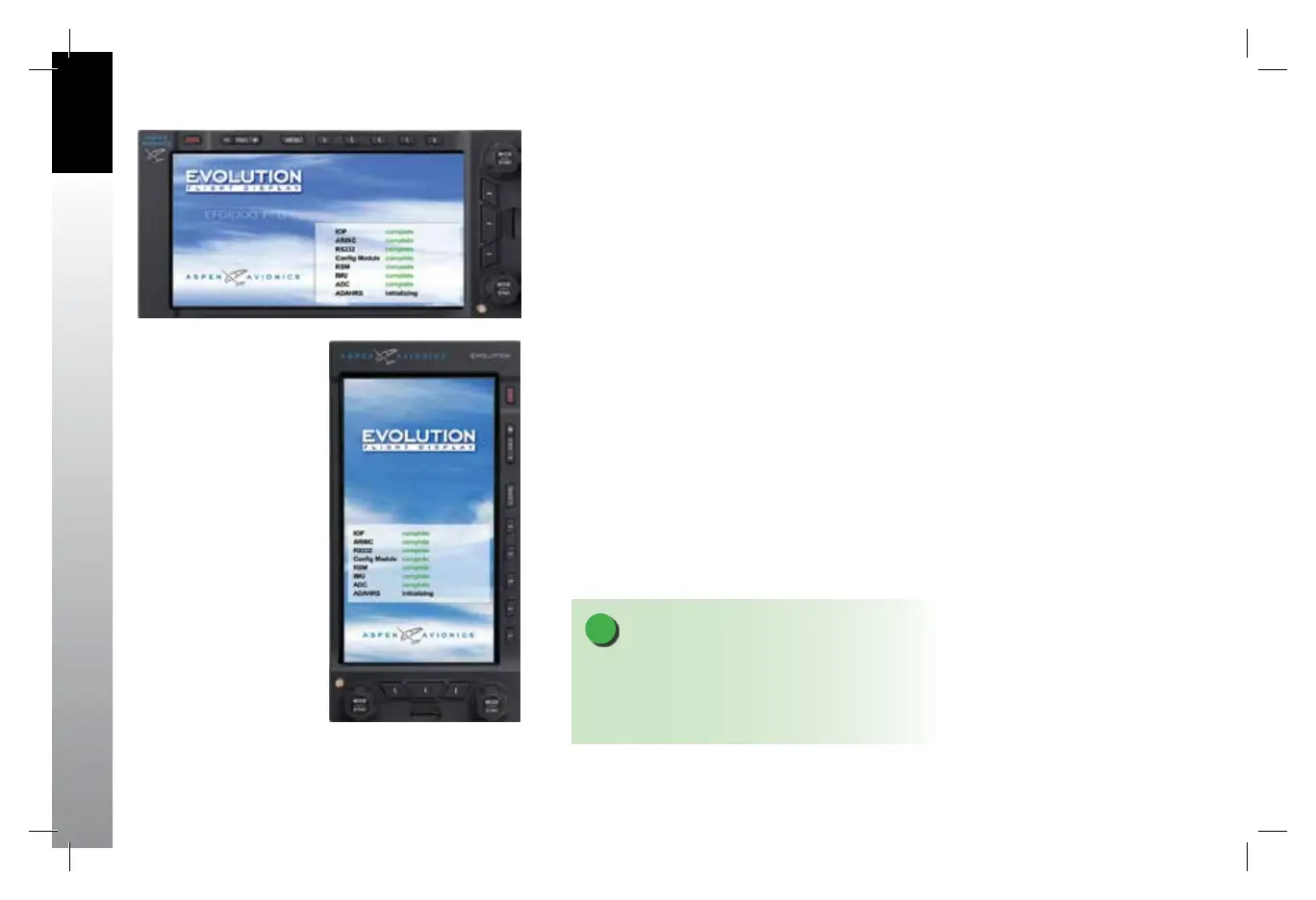
When power is applied to the EBD, the bezel backlighting illuminates and within a few
seconds the EBD splash screen displays while it initializes and the AHRS data is validated
(Figure 3-2 and Figure 3-2a).
Figure 3-2
EBD Initializing
NOTE
The graphics used in this chapter illustrate the
descriptions of the features and tasks, but do not
necessarily correspond to the values associated with
this example ight scenario.
Figure 3-2 a
EBD Initializing
091-00027-001 Rev A EBD Pilots Guide V&H .indb 6 8/27/14 8:51 AM



 To Next Page