CHAPTER 2 CONTROLS AND DISPLAY
Page 2-26
091-00027-001 REV A Evolution Backup Display Pilot’s Guide
Page 2-27
091-00027-001 REV A
Evolution Backup Display Pilot’s Guide
Navigation Information
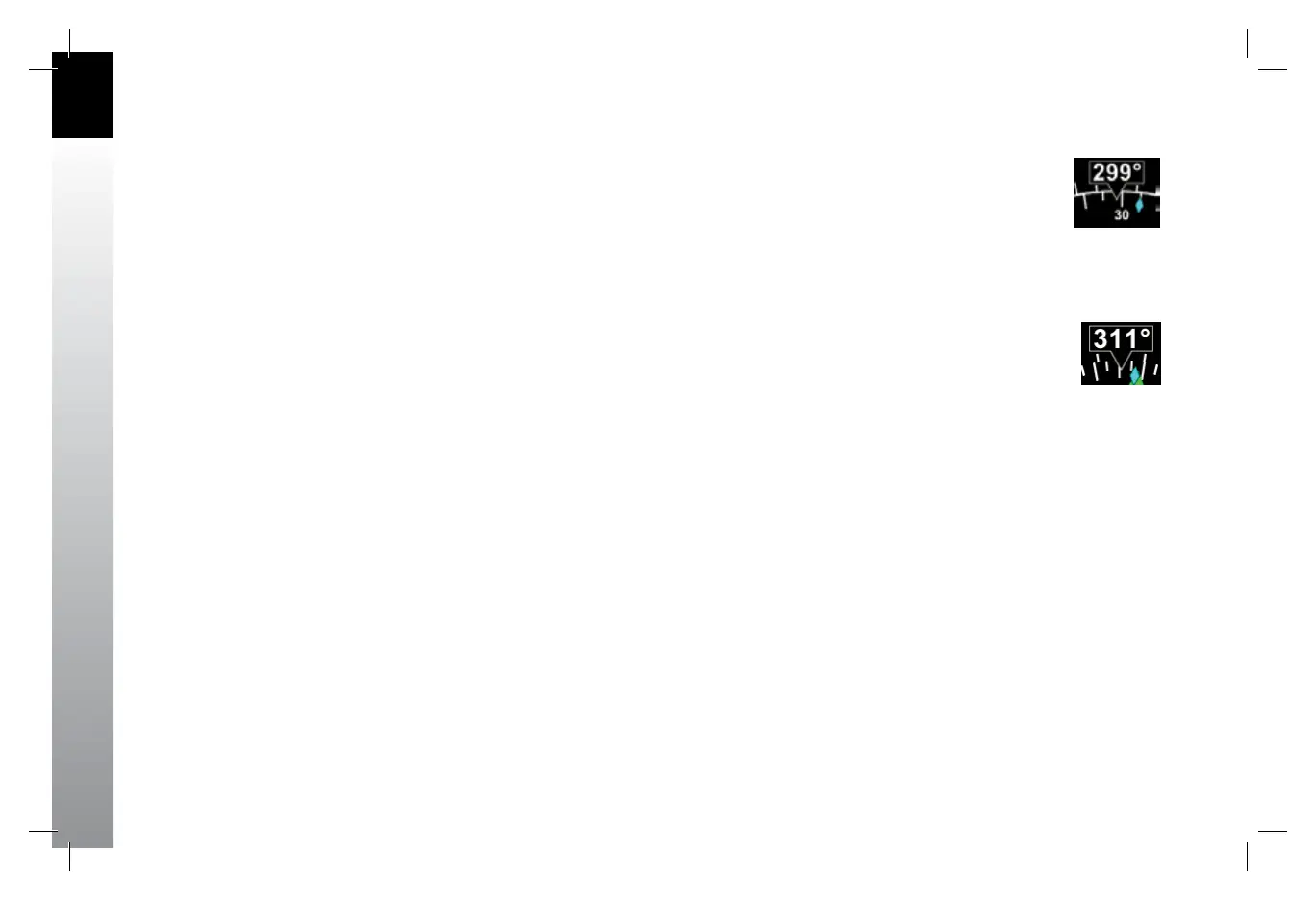
Regardless of Compass Mode setting, the current magnetic heading is always shown
at the top center of the Navigation Display (Figure 2-2, No. 50 and Figure 2-24). The
HDG Bug setting is shown in the Selected Heading Field (Figure 2-2, No. 52). This eld
is always visible even if the HDG Bug itself is only partially visible in ARC Compass Mode.
Ground Track Marker
When the EBD is connected to a compatible GPS, a cyan Ground Track Marker is
displayed on the compass rose at the value that corresponds to the aircraft’s ground
track (Figure 2-2, No. 49 and Figure 2-25).
Figure 2-25
Ground Track Marker
Figure 2-24
Magnetic Heading
091-00027-001 Rev A EBD Pilots Guide V&H .indb 26 8/27/14 8:51 AM



 To Next Page