Page 7-2
091-00027-001 REV A Evolution Backup Display Pilot’s Guide
Page 7-3
091-00027-001 REV A
Evolution Backup Display Pilot’s Guide
View the Input/Output Processor Software Version
1. Press the MENU Button.
2. Rotate the Top Knob to the SYSTEM STATUS Menu page.
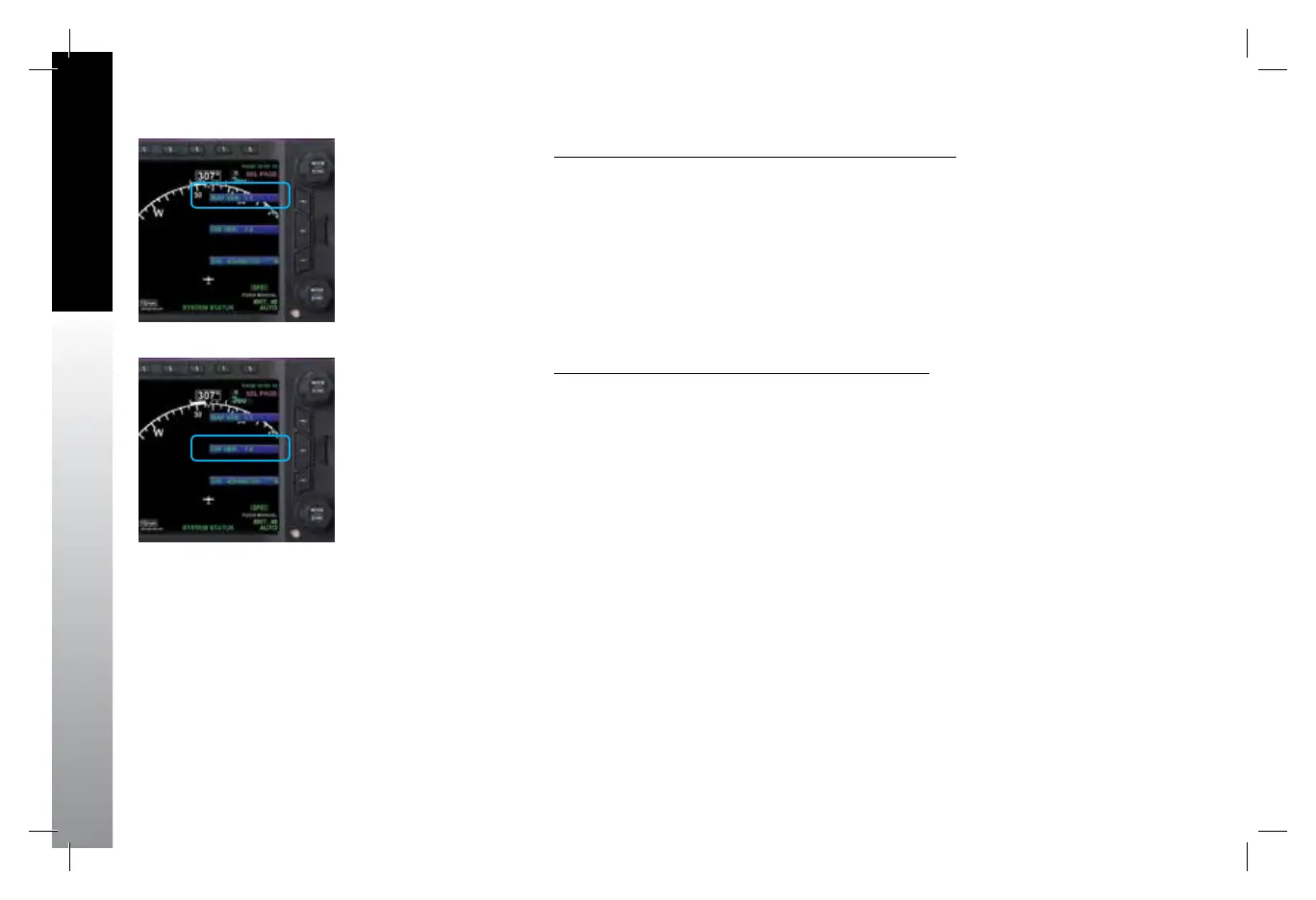
3. The IOP VER Menu Key displays the current Input/Output Processor Software
Version (Figure 7-2).
4. Press the MENU Button to exit.
View the Main Application Processor Software Version
1. Press the MENU Button.
2. Rotate the Top Knob to the SYSTEM STATUS Menu page.
3. The MAP VER Menu Key displays the current Main Application Processor
Software Version (Figure 7-1).
4. Press the MENU Button to exit.
Figure 7-2
View Input/Output Processor
Software Version
Figure 7-1
View Main Application Processor
Software Version
091-00027-001 Rev A EBD Pilots Guide V&H .indb 2 8/27/14 8:51 AM



 To Next Page