CHAPTER 2 CONTROLS AND DISPLAY
Page 2-10
091-00027-001 REV A Evolution Backup Display Pilot’s Guide
Page 2-11
091-00027-001 REV A
Evolution Backup Display Pilot’s Guide
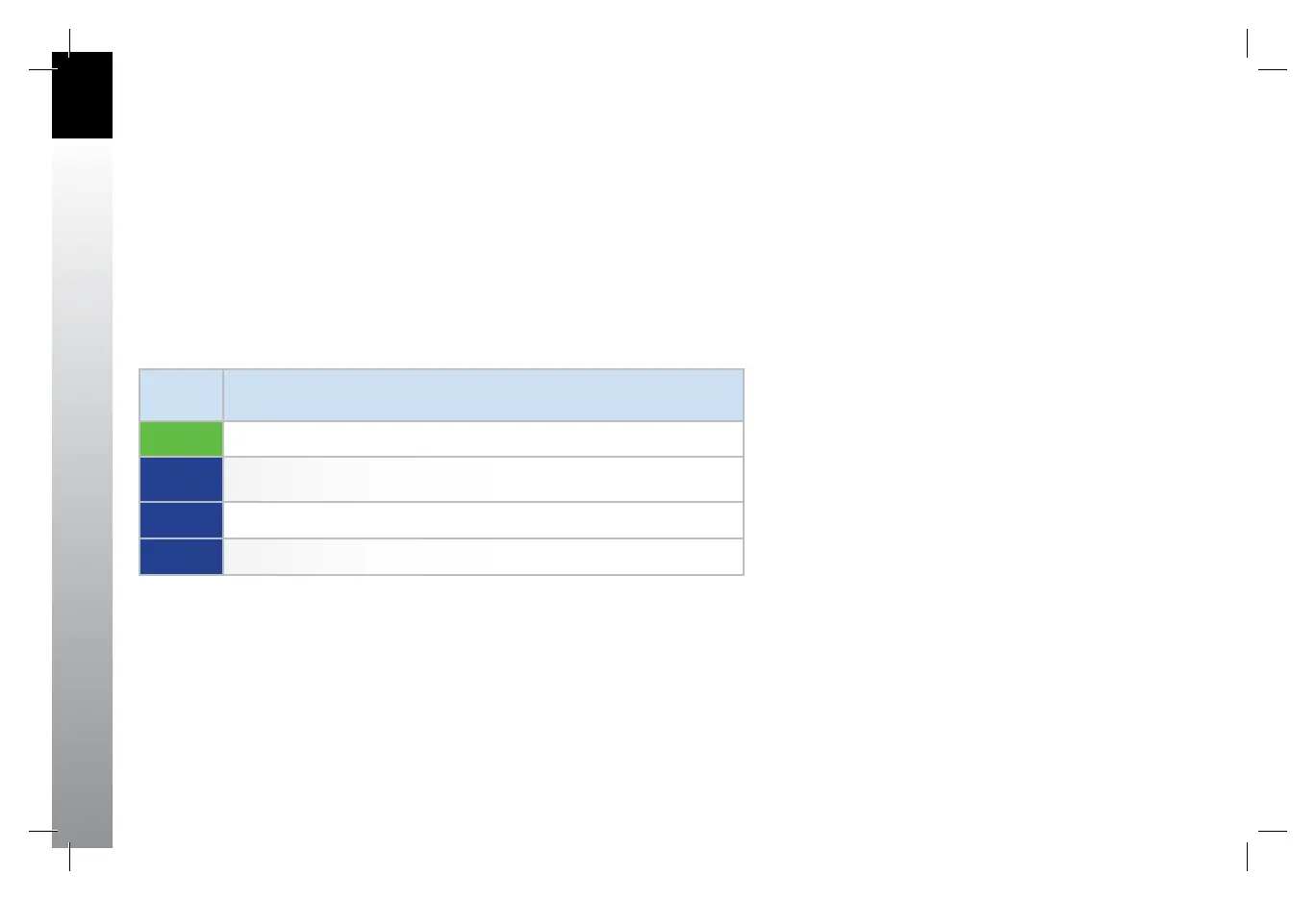
The Hot Key labels use the following color philosophy (see Table 2-4):
• A green label and dark blue letters (also known as inverse green) indicates that
the Hot Key function is enabled
• A dark blue label and green letters indicates that the Hot Key function is
disabled
• A dark blue label and gray letters indicates that the Hot Key function is not
available
• A dark blue label without letters indicates that the Hot Key has no function
The 360/ARC Hot Key labels indicate which mode is currently active on the Navigation
Display.
LABEL
COLORS
MEANING
TEXT Hot Key function enabled
TEXT Hot Key function disabled
TEXT Hot Key function not available
Hot Key – no function
Table 2-4
Hot Key Descriptions
091-00027-001 Rev A EBD Pilots Guide V&H .indb 10 8/27/14 8:51 AM



 To Next Page