TECHNICIANS' manual54 of 104
7.14.10 Continuous coffee
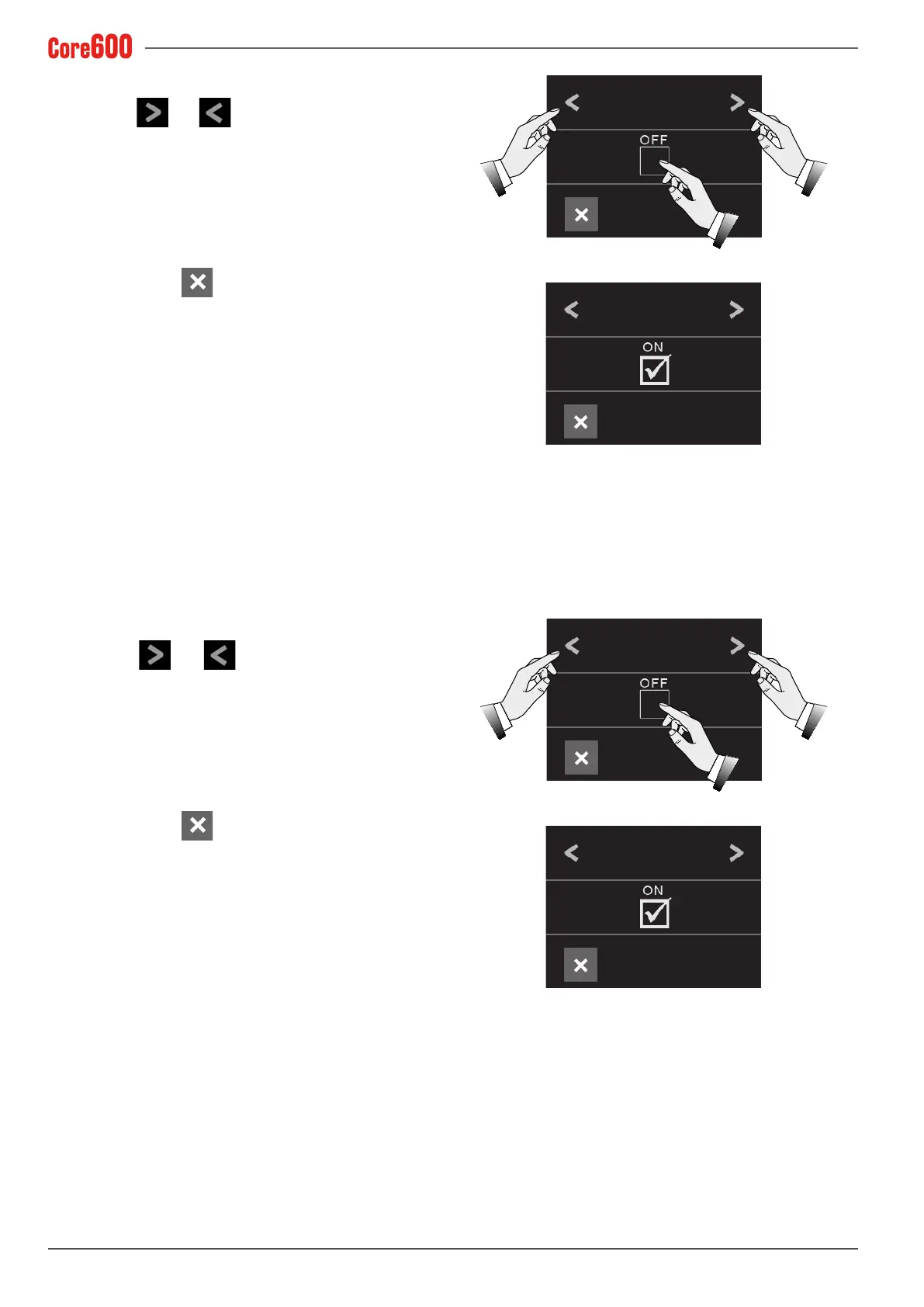
• Select the and arrows until the words "CONTIN-
UOUS COFFEE" appear on the display;
• Tick the checkbox to enable or disable the continuous dis-
pensing button ;
• To exit, press the
button.
7.14.11 Credit - Debit
• Select the and arrows until the word "CREDIT/
DEBIT" appears on the display;
• Tick the checkbox to enable or disable the Credit - Debit
function;
• To exit, press the
button.
CONTINUOUS
COFFEE
CONTINUOUS
COFFEE
CREDIT/DEBIT
CREDIT/DEBIT



 To Next Page