How to use the devices
41
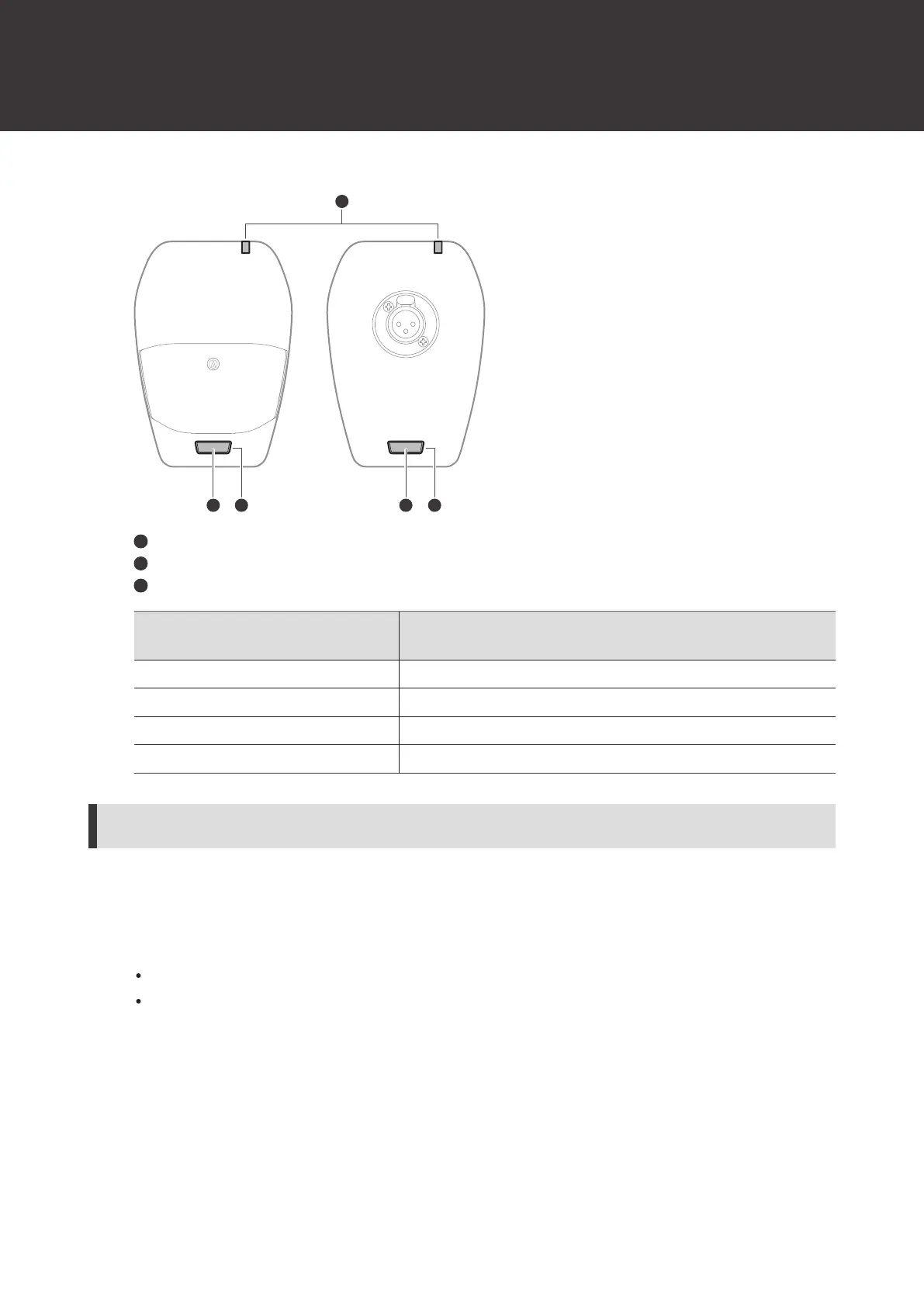
Talk switch
Talk indicator lamp
Status indicator lamp
Talk indicator lamp / status
indicator lamp
Status
Lit in red Muted
Lit in green Unmuted
Off Muted (in Conference mode)
Lit in red Unmuted (in Conference mode)
How to attach a gooseneck microphone (ATW-T1407 only)
To use a gooseneck microphone, attach it to a desk stand transmitter.
1
Insert the gooseneck microphone into the desk stand transmitter.
Turn off the transmitter before inserting the microphone.
Insert the microphone until it clicks.













 To Next Page