How to use the devices
40
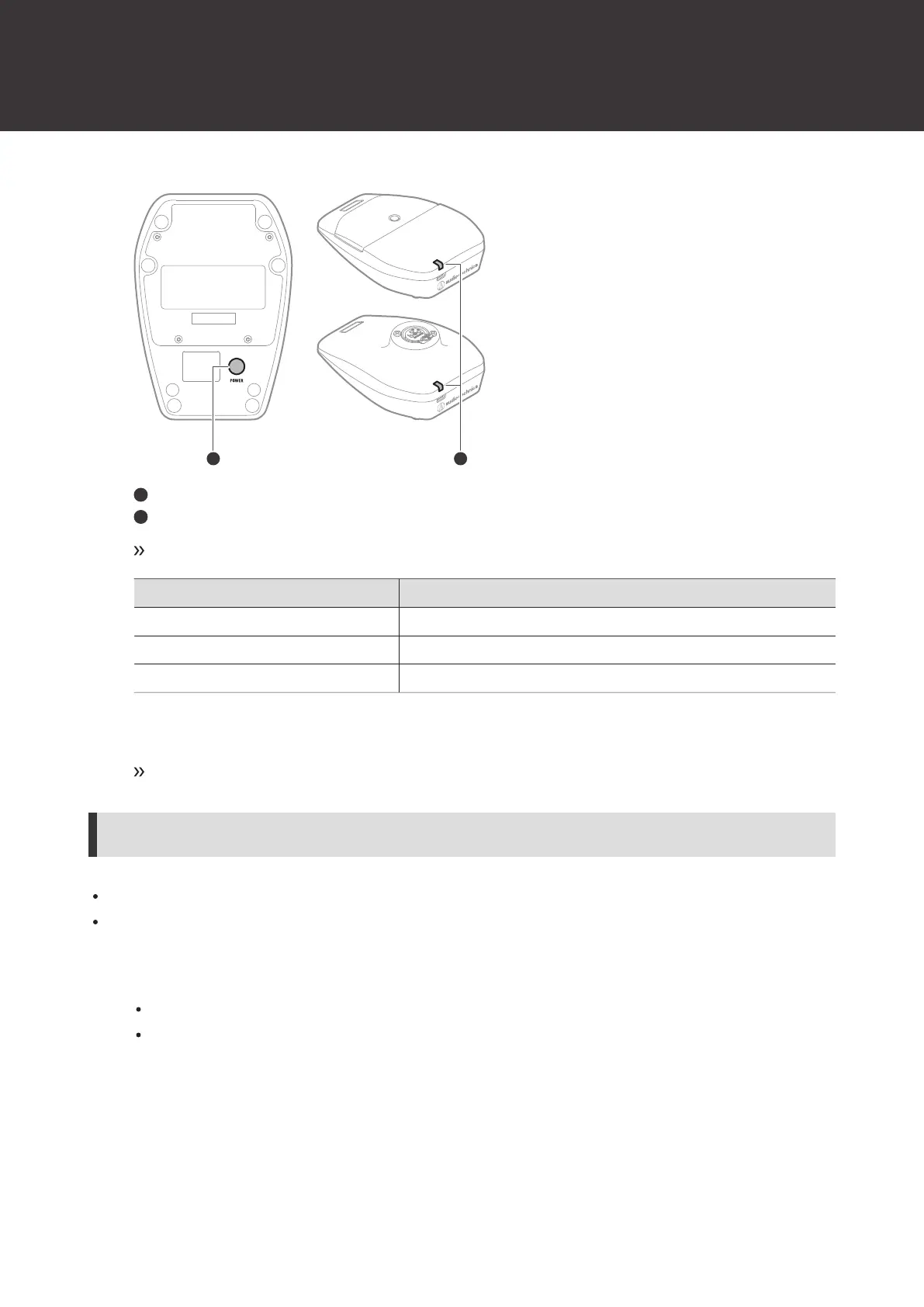
Power button
Indicator lamp
The device turns on and its indicator lamp lights.
Indicator lamp Status
Lit in green Communication has been established.
Flashing in red The device is searching for the receiver to communicate with.
Lit in red Communication has been established (In Conference mode).
2
With the device on, press and hold (approximately 2 seconds) the power button.
The device turns off.
Switching between muted and unmuted
To change the setting, see "Setting the mute mode (ATW-T1406/ATW-T1407)" (p. 66) under “Channel settings”.
To change the setting, see "Setting the indicator lamp (ATW-T1406/ATW-T1407)" (p. 67) under “Channel settings”.
1
Press the talk switch.
For details on how to switch between muted and unmuted, see the set mute mode.
The talk indicator lamp and status indicator lamp display the status.













 To Next Page