How to use the devices
39
1
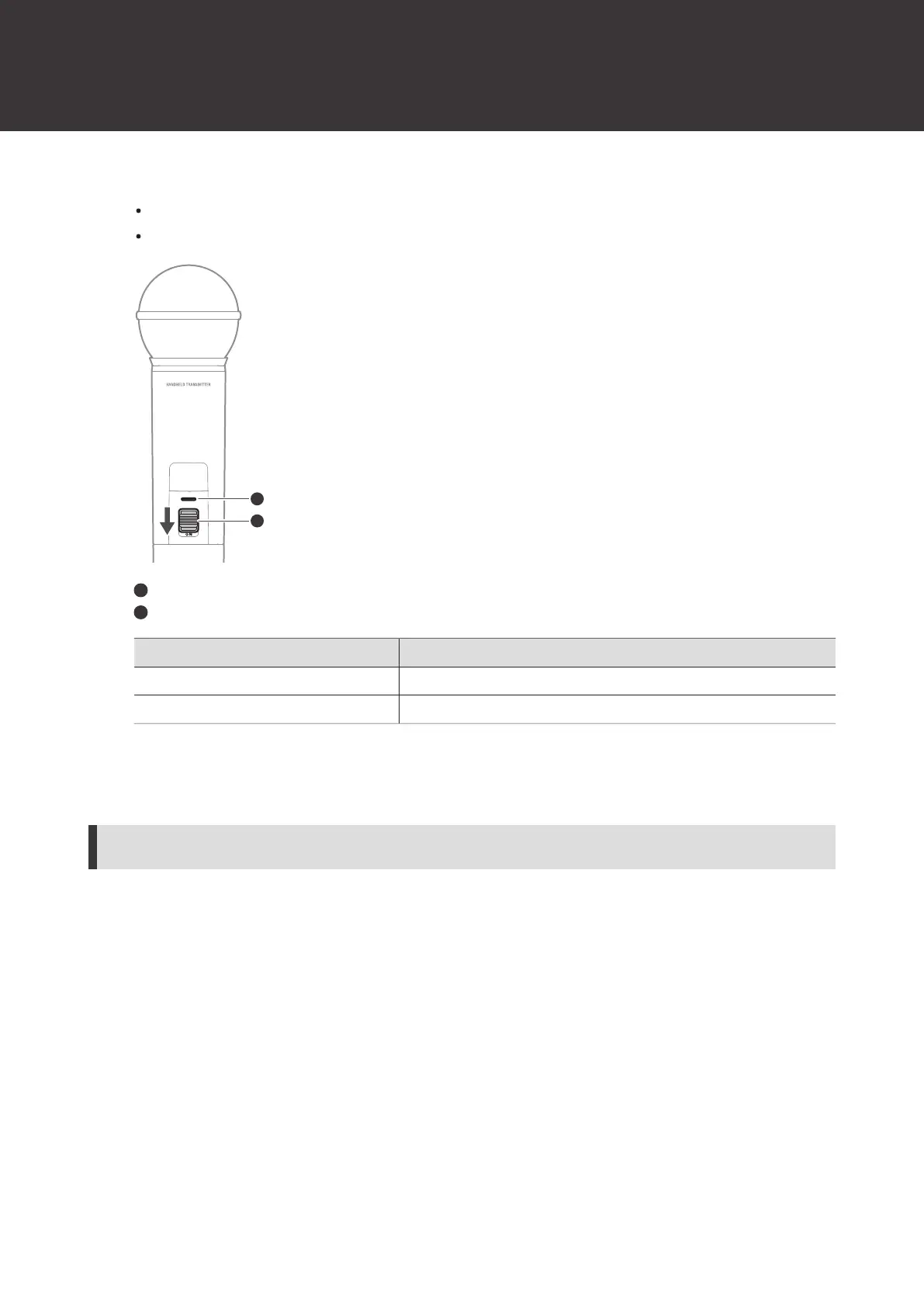
Slide the mute switch.
Slide the mute switch down to mute the device and slide the mute switch up to unmute the device.
The indicator lamp displays the status.
Indicator lamp
Mute switch
Indicator lamp Status
Lit in red Muted
Lit in green Unmuted
ATW-T1406/ATW-T1407
Turning the device on/off
To change the setting, see "Setting the indicator lamp (ATW-T1406/ATW-T1407)" (p. 67) under “Channel settings”.
1
With the device off, press and hold (approximately 2 seconds) the power button.













 To Next Page