How to read the display
46
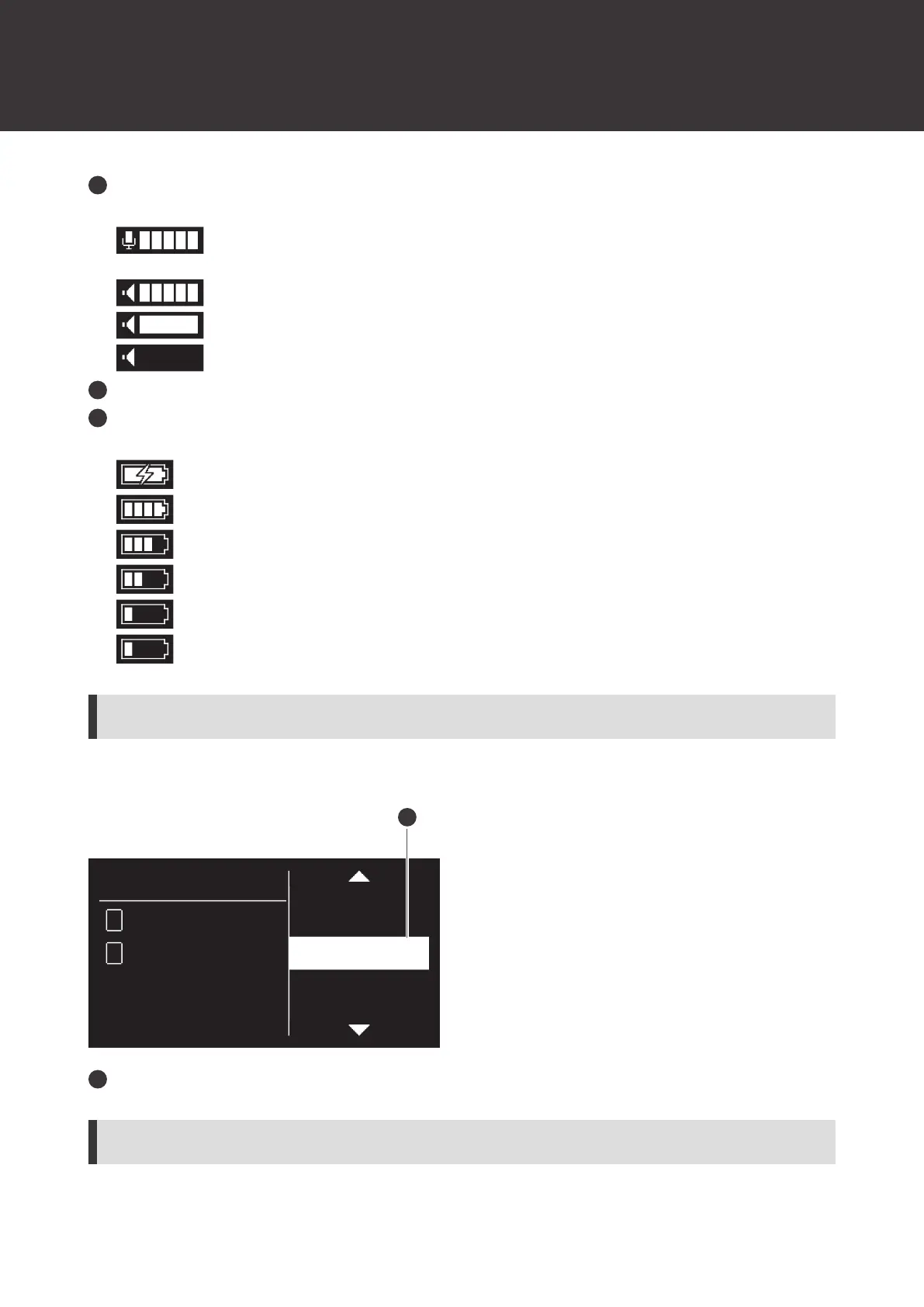
AF status
Displays the audio status of the connected transmitter.
: Displayed when the level meter display is set to “Pre”. Displays the level of the received audio
signal.
: Displayed when the level meter display is set to “Post”. Displays the output level of the receiver.
: Indicates that the device is at peak AF status.
: Indicates that the device is muted.
Gain level
Battery level
Displays the battery level of the connected transmitter.
: Charging is in progress.
: 70% or more battery power remaining.
: 40% or more battery power remaining.
: 20% or more battery power remaining.
: 10% or more battery power remaining.
(flashing): 5% or less battery power remaining. Carry out battery replacement.
Receiver settings screen
Press the control dial on the main screen to display the receiver settings screen.
ID:0
A1
1
A22
NAME
RF MODE
UTILITIES
NETWORK
DEVICE ID
1
Menu bar
Channel settings screen
Press the CH MENU button while on the main screen to display the channel settings menu.













 To Next Page