405HD IP Phone for Microsoft Skype for Business
User's Manual 92 Document #: LTRT-12044
8.12.7.2 Making Sure the Phone is Paired
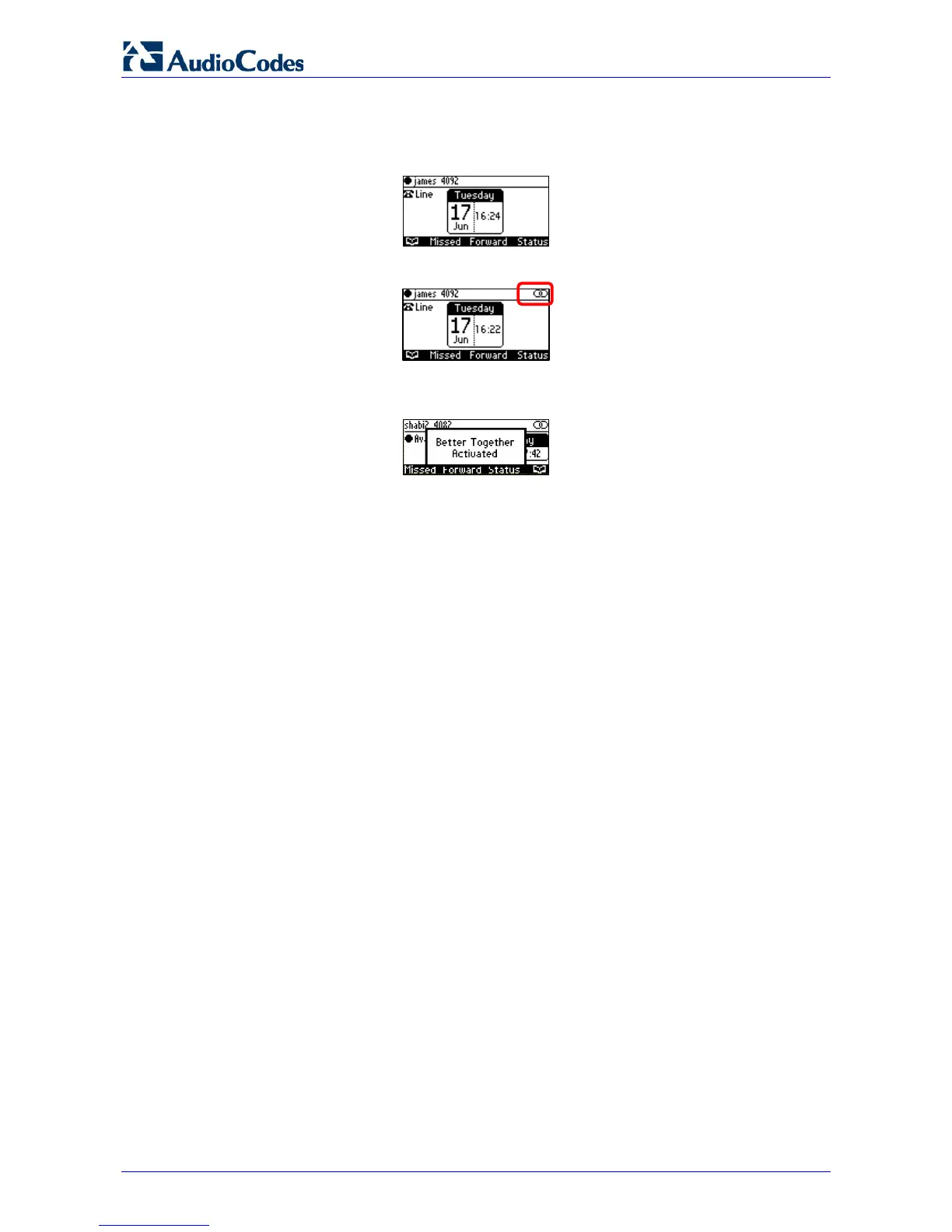
You can determine from the phone's idle screen if the phone is paired with the Skype for
Windows client. The idle screen below indicates the phone is not paired:
The two interlocked rings in the idle screen below indicates the phone is paired.
After connecting, 'BToE Activated' pops up, and then disappears; the two interlocked rings
remain.








 To Next Page