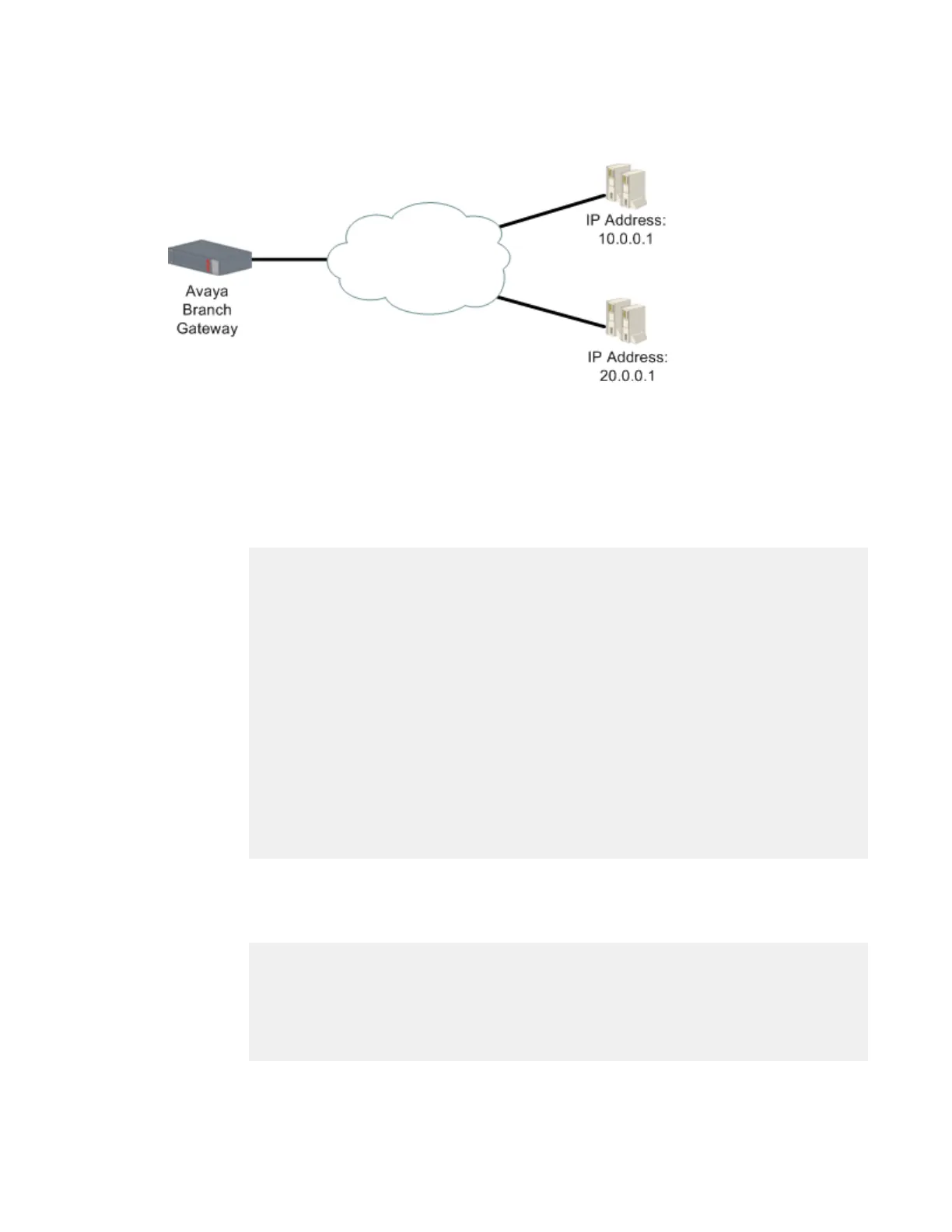
Example of tracking a group of devices
About this task
Figure 11: Tracking multiple remote devices
Procedure
1. The first step is to configure several RTRs.
In this case, RTR 5 tracks the device at IP address 10.0.0.1, and RTR 6 tracks the
device at IP address 20.0.0.1. For example:
Gxxx-001(config)# rtr 5
Gxxx-001(config-rtr 5)# type echo protocol ipIcmpEcho 10.0.0.1
Gxxx-001(config-rtr icmp 5)# wait-interval 2 seconds
Done!
Gxxx-001(config-rtr icmp 5)# fail-retries 3
Done!
Gxxx-001(config-rtr icmp 5)# success-retries 1
Done!
Gxxx-001(config-rtr icmp 5)# exit
Gxxx-001(config)# rtr-schedule 5 start-time now life forever
Gxxx-001(config)# rtr 6
Gxxx-001(config-rtr 6)# type tcpConnect dest-address 20.0.0.1 dest-port 80
Gxxx-001(config-rtr tcp 6)# frequency 500 milliseconds
Done!
Gxxx-001(config-rtr tcp 6)# dscp 34
Done!
Gxxx-001(config-rtr tcp 6)# next-hop interface fastethernet 10/2 mac-
address 00:01:02:03:04:05
Done!
Gxxx-001(config)# rtr-schedule 6 start-time now life forever
Gxxx-001(config-rtr tcp 6)# exit
2. The second step is to configure several object trackers.
In this case, object tracker 1 tracks the state of RTR 5, and object tracker 2 tracks
the state of RTR 6. For example:
Gxxx-001(config)# track 1 rtr 5
Gxxx-001(config-track rtr 1)# description “track rtr-5”
Done!
Gxxx-001(config-track rtr 1)# exit
Gxxx-001(config)# track 2 rtr 6
Gxxx-001(config-track rtr 2)# description “track rtr-6”
Done!
Gxxx-001(config-track rtr 2)# exit
WAN interfaces
Administering Avaya G430 Branch Gateway October 2013 291



 To Next Page