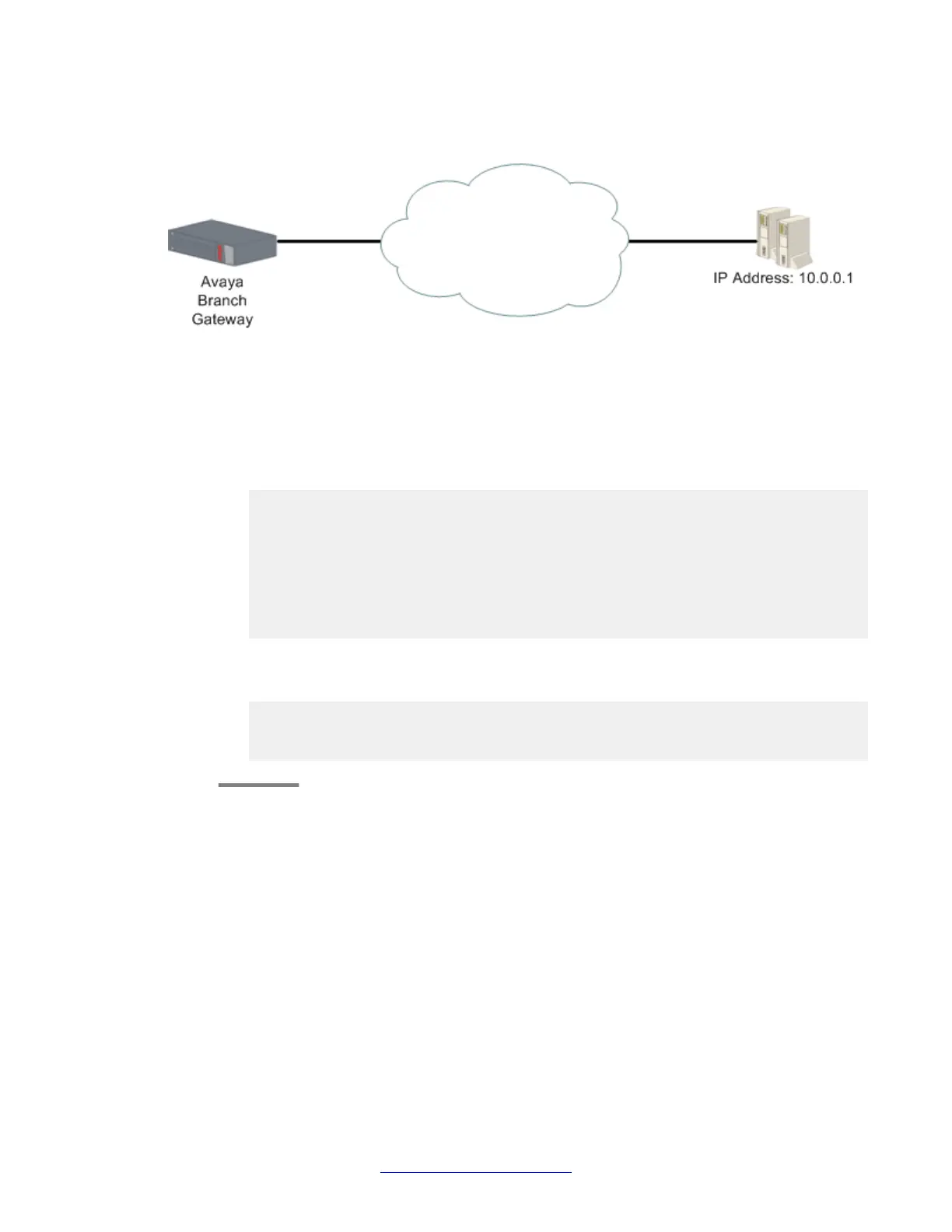
Example of tracking a single remote device
About this task
Figure 10: Tracking a single remote device
Procedure
1. The first step is to configure an RTR which tracks a remote device.
In this case, RTR 5 is configured to track the device at IP address 10.0.0.1. For
example:
Gxxx-001(config)# rtr 5
Gxxx-001(config-rtr 5)# type echo protocol ipIcmpEcho 10.0.0.1
Gxxx-001(config-rtr icmp 5)# wait-interval 2 seconds
Done!
Gxxx-001(config-rtr icmp 5)# fail-retries 3
Done!
Gxxx-001(config-rtr icmp 5)# success-retries 1
Done!
Gxxx-001(config-rtr icmp 5)# exit
Gxxx-001(config)# rtr-schedule 5 start-time now life forever
2. The second step is to configure an object tracker which tracks the state of RTR 5.
For example:
Gxxx-001(config)# track 1 rtr 5
Gxxx-001(config-track rtr 1)# description “track rtr-5”
Done!
Gxxx-001(config-track rtr 1)# exit
WAN interfaces
290 Administering Avaya G430 Branch Gateway October 2013
Comments? infodev@avaya.com



 To Next Page