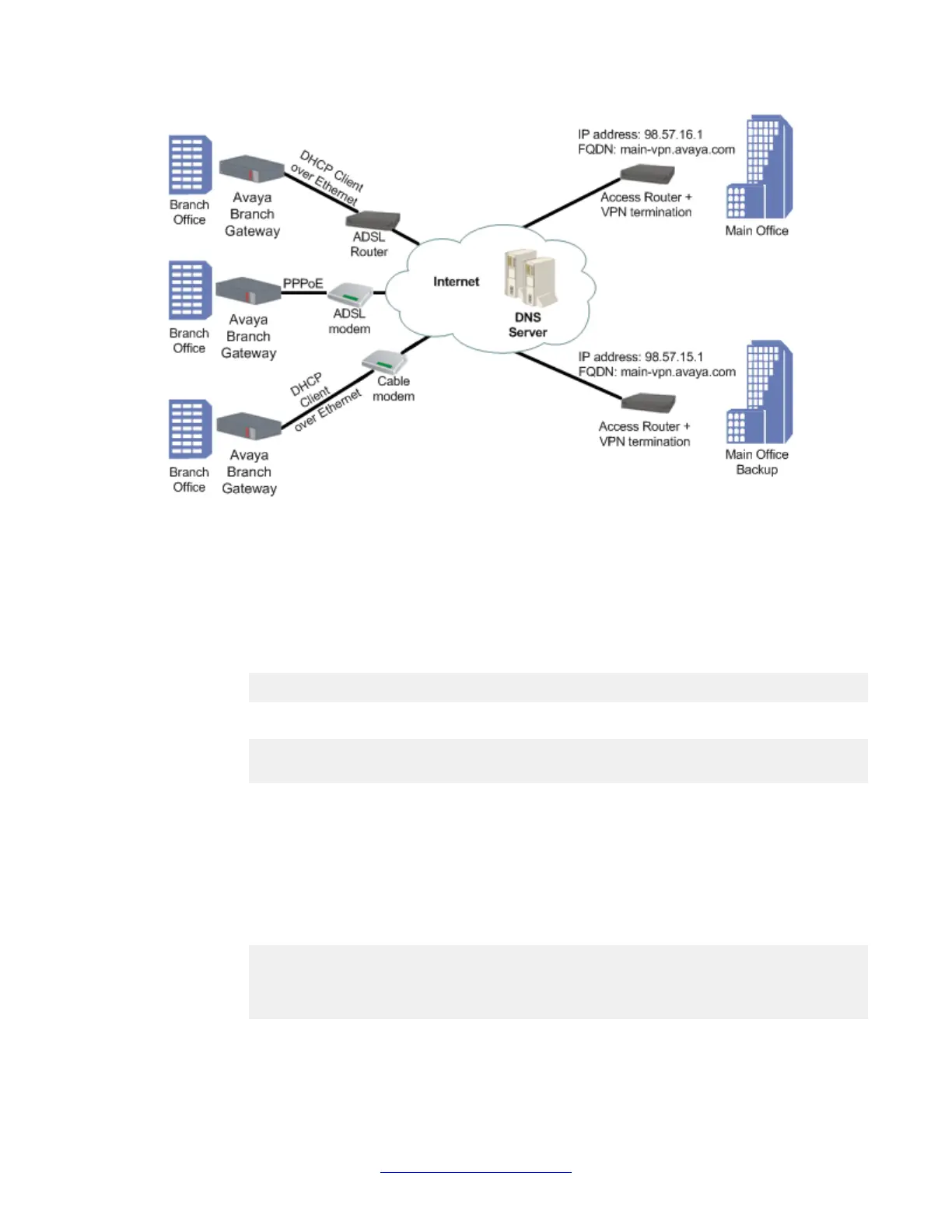
Configuring DNS resolver
Procedure
1. Enter ip domain name-server-list 1 to create the DNS servers list.
Gxxx-001(config)# ip domain name-server-list 1
Gxxx-001(config-name-server-list:1)#
2. Use the description command to specify a description for the list.
Gxxx-001(config-name-server-list:1)# description “All DNS servers”
Done!
Gxxx-001(config-name-server-list:1)#
3. Add a DNS server to the DNS servers list using the name-server command.
• Assign an index number that ranks the DNS server by priority.
• Specify the IP address of the DNS server.
4. Repeat Step 3 to configure additional DNS servers in the list.
You can configure up to six DNS servers.
Gxxx-001(config-name-server-list:1)# name-server 1 1.1.1.1
Done!
Gxxx-001(config-name-server-list:1)# name-server 2 2001:DB8::21F:
3CFF:FE14:6E25
Done!
5. Use the ip domain list command to configure a domain name.
Basic device configuration
76 Administering Avaya G430 Branch Gateway October 2013
Comments? infodev@avaya.com



 To Next Page