IFD500 Series Pilot Guide
FMS Subsystem 3-13
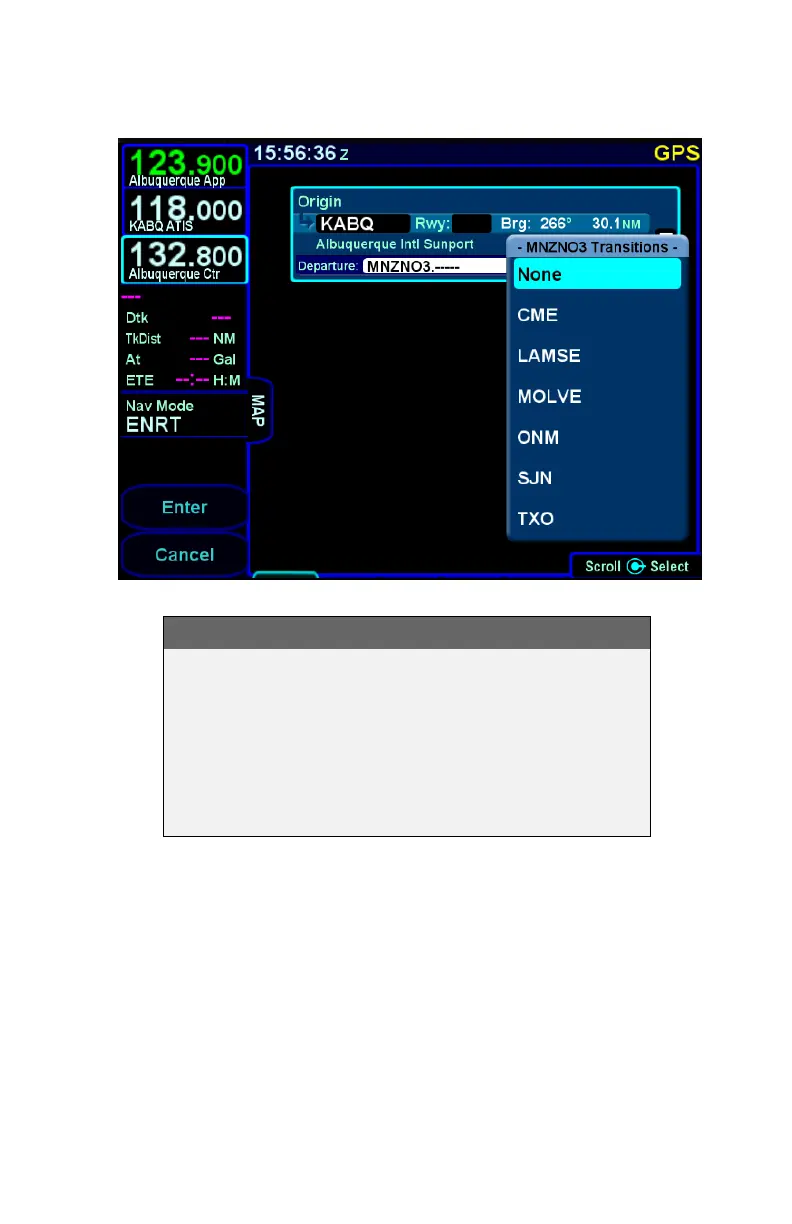
Departure Enroute Transition Dropdown
COOL FEATURE
If a departure has at least one enroute transition and
the departure has a common segment after runway
transitions from which all enroute transitions are
started, the dropdown menu will contain an option
for "None". Selecting "None" will cause the
departure to terminate at the end of the common
segment.
Once the enroute transition has been selected, the FMS will
process runway transitions. There are departures that do not
have published runway transitions. For those cases, the rest of
this process is skipped and the selected procedure and enroute
transition are inserted into the flight plan. Otherwise, the FMS
proceeds differently based on whether the airport has a selected
runway.
If the airport has a selected runway and that runway is applicable
to the selected departure, then the FMS will choose the runway



 To Next Page