IFD500 Series Pilot Guide
Aux Subsystem 5-39
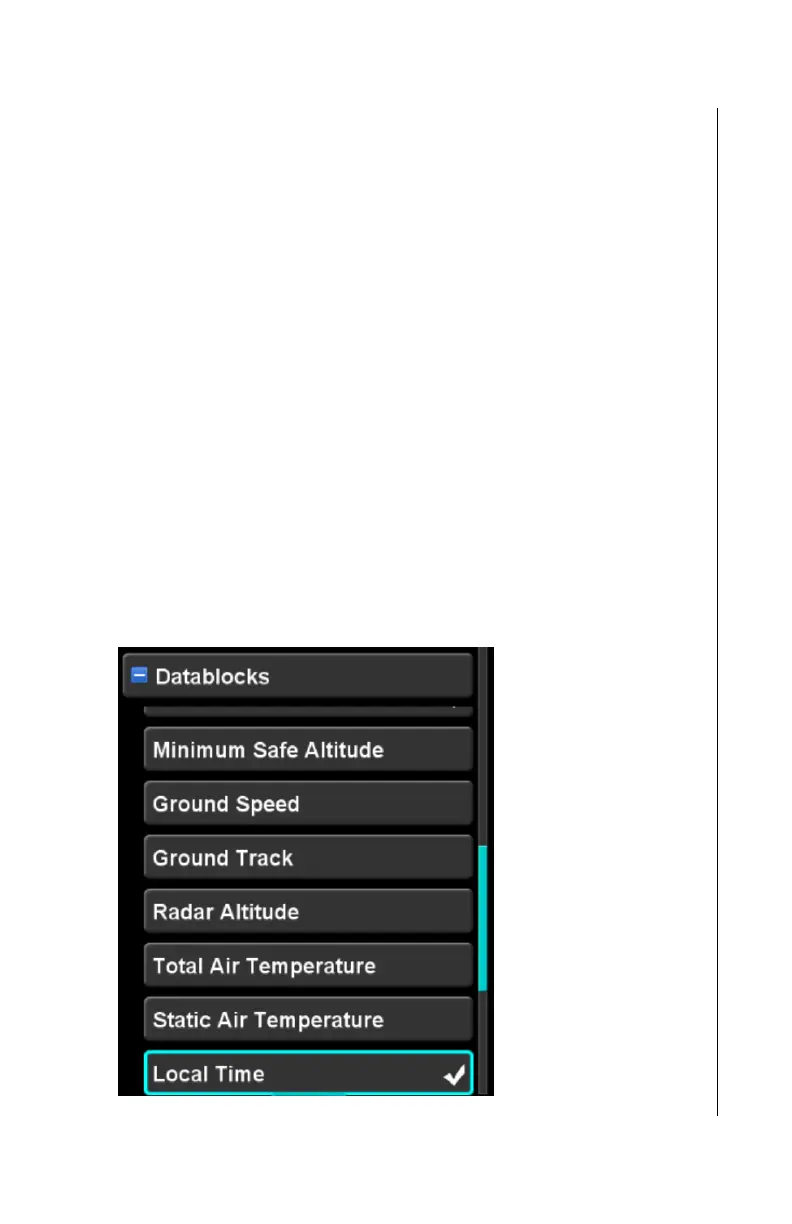
DATABLOCKS CATEGORY
The IFD defines “datablocks” containing focused data quantities
that can be displayed around the edges of the display.
Datablocks are meant to be used as full-time displays of desired
data that can be accessed with a glance. See the figure in the
Page Layouts section (page 1-23) for an illustration of datablocks.
The datablocks category is used to select which datablocks are
displayed in each datablock “slot” that is available. While the
space allocated for the set of datablocks is fixed, the number of
datablocks that can be displayed is variable since not every
datablock takes up the same amount of space.
When the datablocks category is expanded, the Setup Page
cursor is limited such that only datablocks can be selected. In
order to return to normal operation of the Setup Page, the
cursor must be returned to the Datablock category item at
the top, and the category condensed. If the datablocks
category is expanded and a different page is selected on the IFD,
then upon return to the Setup Page, the datablocks category will
no longer be expanded.
Datablocks Category expanded



 To Next Page