IFD500 Series Pilot Guide
Aux Subsystem 5-29
CHARTS CATEGORY
Items in the charts category control the appearance and behavior
of the electronic charts shown on the Charts tab of the Map
subsystem.
If charts are disabled (through Maintenance Mode), this category
and the related settings will not be shown.
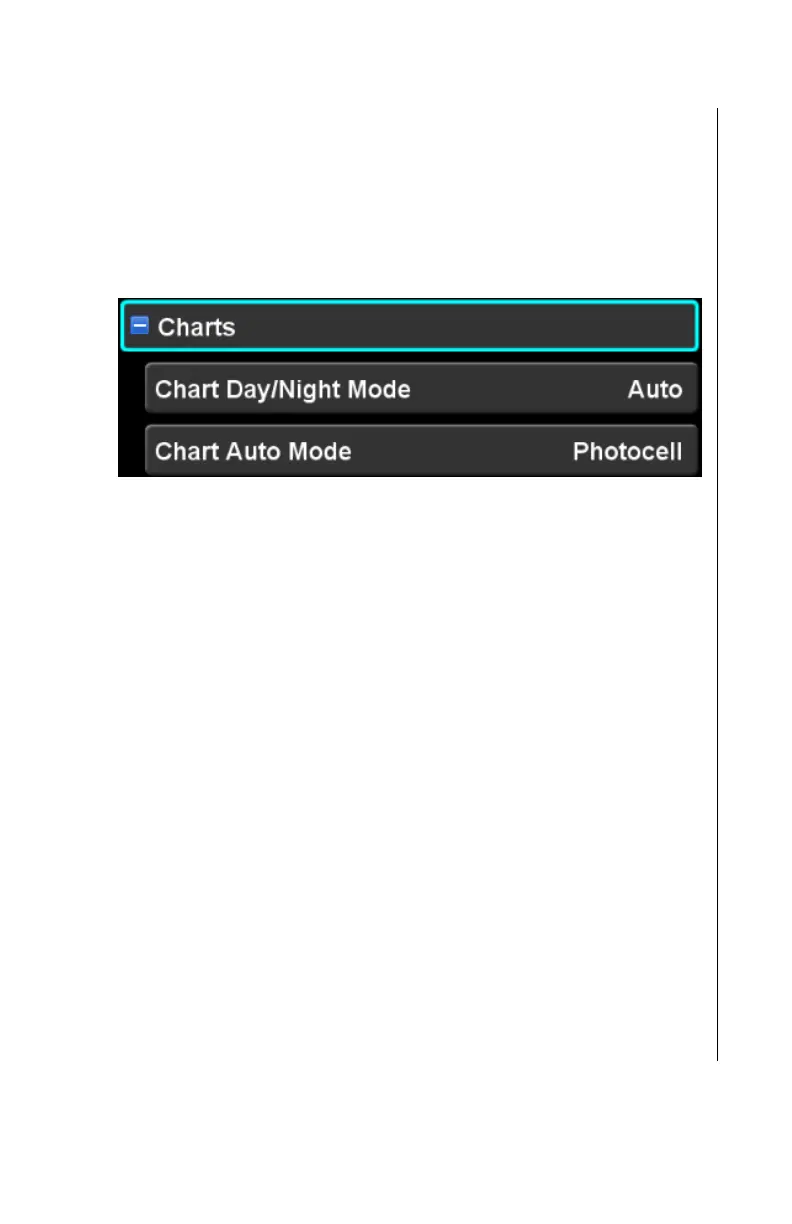
Chart Day/Night Mode
This setting controls the appearance of charts to be compatible
with day or night operations. The factory default setting is “Auto”.
When the selection is “Day”, charts are displayed using black text
and graphics on a white background.
When the selection is “Night”, charts are displayed using white
text and graphics on a black background.
When the selection is “Auto”, charts are displayed in “Day” or
“Night” mode based on the Chart Auto Mode setting.
Chart Auto Mode
This setting controls the method that the IFD uses to determine
whether the charts should be displayed in “Day” or “Night” mode
when the Chart Day/Night setting is “Auto”. The factory default
setting is “Photocell”.
When the selection is “Photocell” and the ambient light sensed by
the IFD is below the “day threshold”, then the charts will be
displayed in night mode. Otherwise, charts are displayed in day
mode.



 To Next Page