IFD500 Series Pilot Guide
FMS Subsystem 3-55
INVERTING A ROUTE
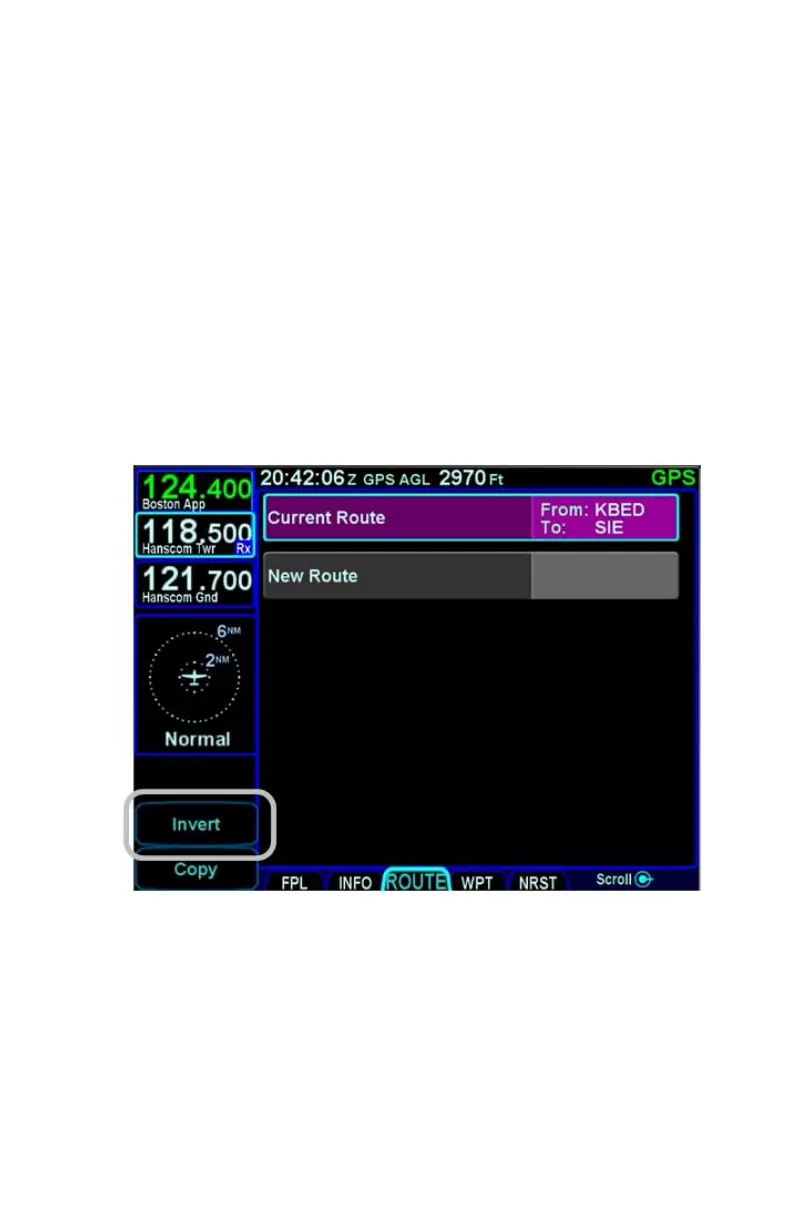
To make an inverted copy of an existing stored route, move the
cursor to surround the route to be inverted and then press the
"Invert" LSK.
An inverted copy of the route will have been created and the
route will be presented for editing.
It is possible to invert the active flight plan by highlighting the
"Current Route" row and pressing the "Invert" LSK. Pressing the
"Back To Route List" LSK with no changes will effectively save
the inverted flight plan into a stored route. At that point, the
saved version is like any other stored route.
Invert Route LSK



 To Next Page