IFD500 Series Pilot Guide
5-8 Aux Subsystem
UTIL (UTILITIES) TAB
TIMERS
For those timers that can expire, a CAS advisory will be displayed
and will stay active even across power cycles until the timer is
manually reset.
Standard Timers
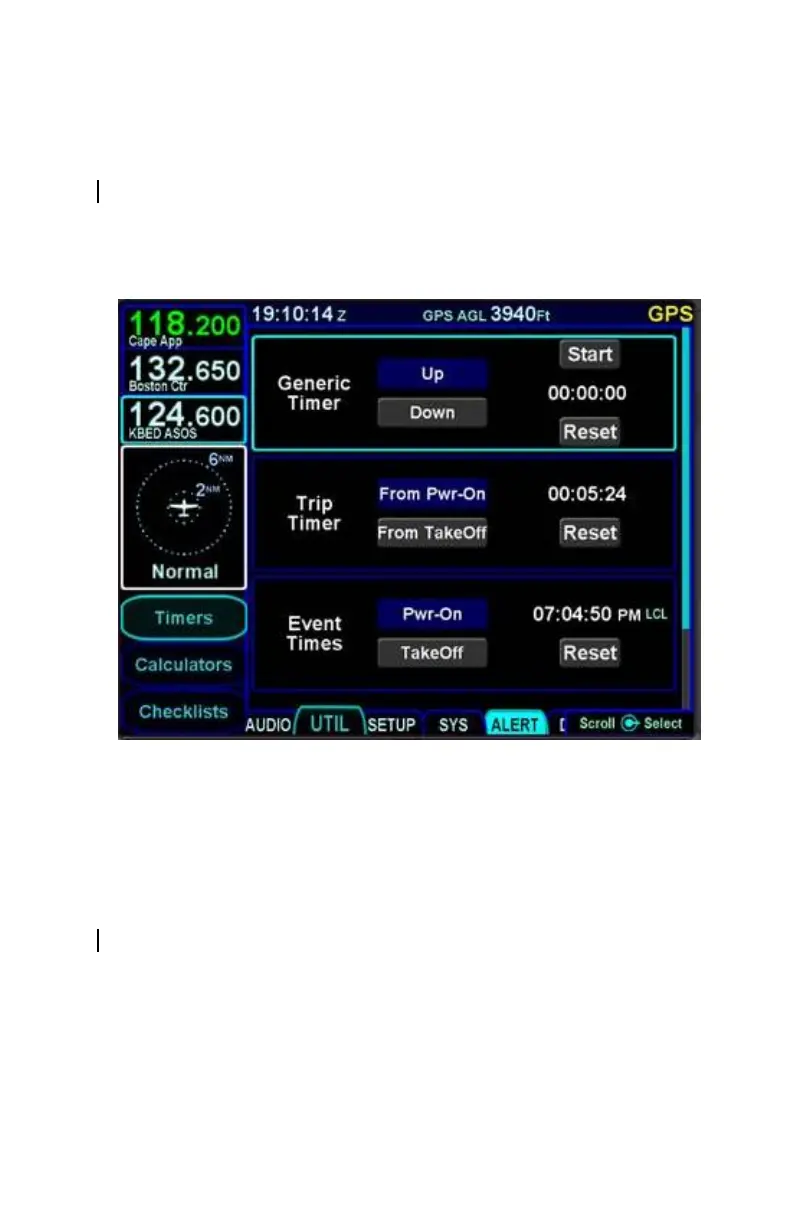
Generic Timer
The “Generic Timer” can be used for a variety of purposes.
Controls exist for count-up and count-down versions of timers
(the active selection will be displayed in a blue background) along
with a Start/Stop and Reset. When the count-down option has
been selected, then the clock value can also be set by using the
bottom right knob to select the clock field and edit the starting
value or by touching the desired location on the display.
The generic timer values will reset after a power cycle (the timer
is not continued from the previous power cycle).



 To Next Page