IFD500 Series Pilot Guide
1-36 System Overview
TRANSPONDER CONTROL AND DISPLAY
If the IFD has been configured to communicate with a remote
transponder, then the IFD will provide display and control of both
transponder mode and code.
Transponder Display
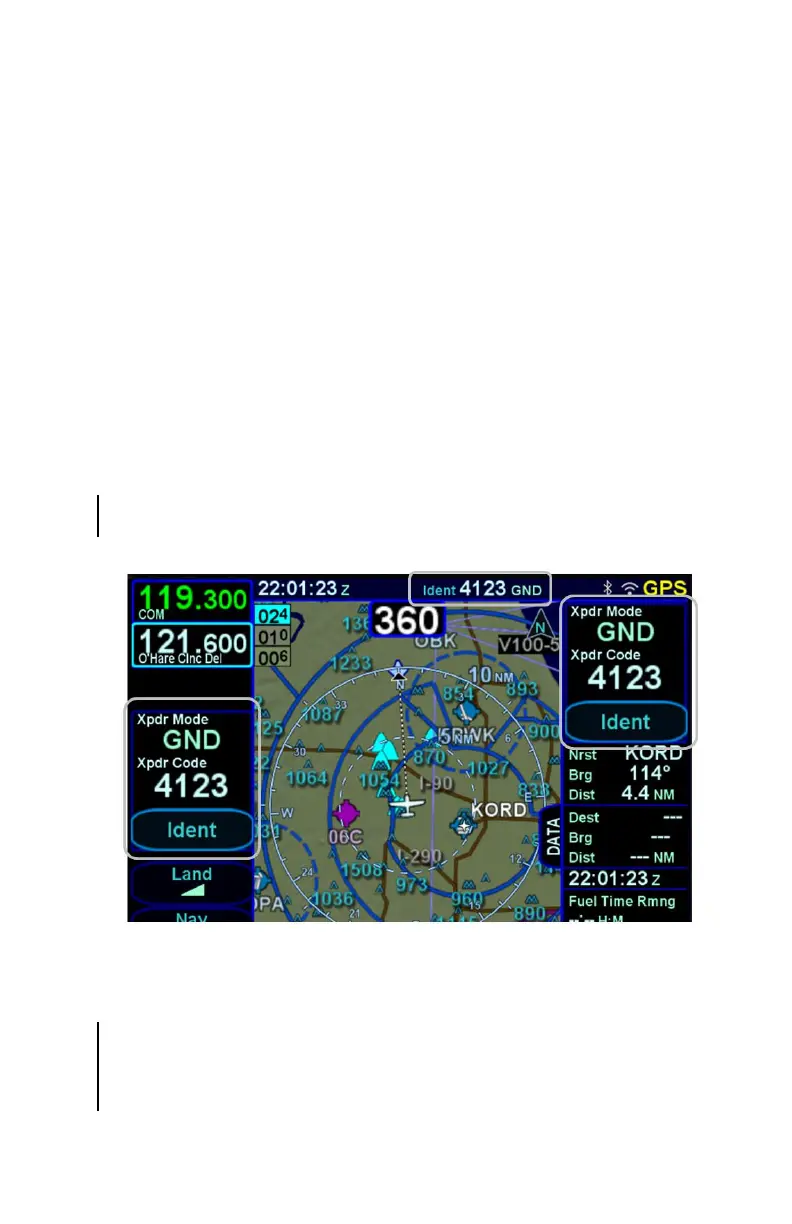
The transponder mode and code is displayed in a datablock that
can be configured to be displayed along the right and top sides of
the display.
A round “R” reply indication will light up in the transponder
datablock area whenever the transponder is in an active Reply
state.
If the IFD is unable to communicate with the remote transponder,
an associated CAS message is displayed and the transponder
datablocks may be replaced with a red-X.
Typical Transponder Datablock Locations
Transponder Control
The preferred method of controlling the transponder is using a
keyboard. Touch a transponder datablock to show the keyboard.
If the datablock contains an "Ident" soft LSK, touch anywhere in
the datablock except the soft LSK.



 To Next Page