IFD500 Series Pilot Guide
3-56 FMS Subsystem
ACTIVATING A ROUTE
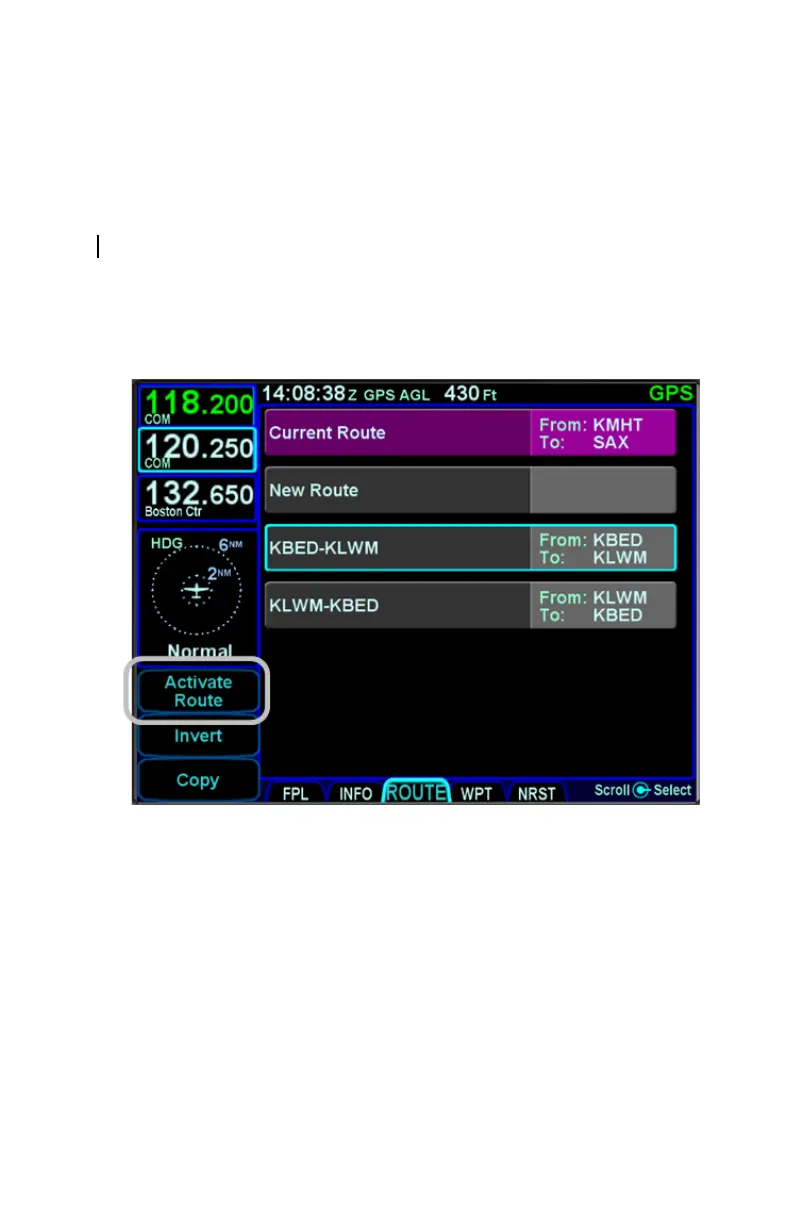
When a stored route is activated, a copy of that stored route will
replace the flight plan and the aircraft will start providing guidance
to it. To activate a stored route, from the stored routes list,
highlight the desired route from the ROUTE tab by either touching
the row or using the bottom right knob. Once the desired route to
be activated is highlighted, press the “Activate Route” LSK along
the left edge of the display. The IFD will show the FPL tab with
the desired route activated.
Activate Route LSK



 To Next Page