IFD500 Series Pilot Guide
5-74 Aux Subsystem
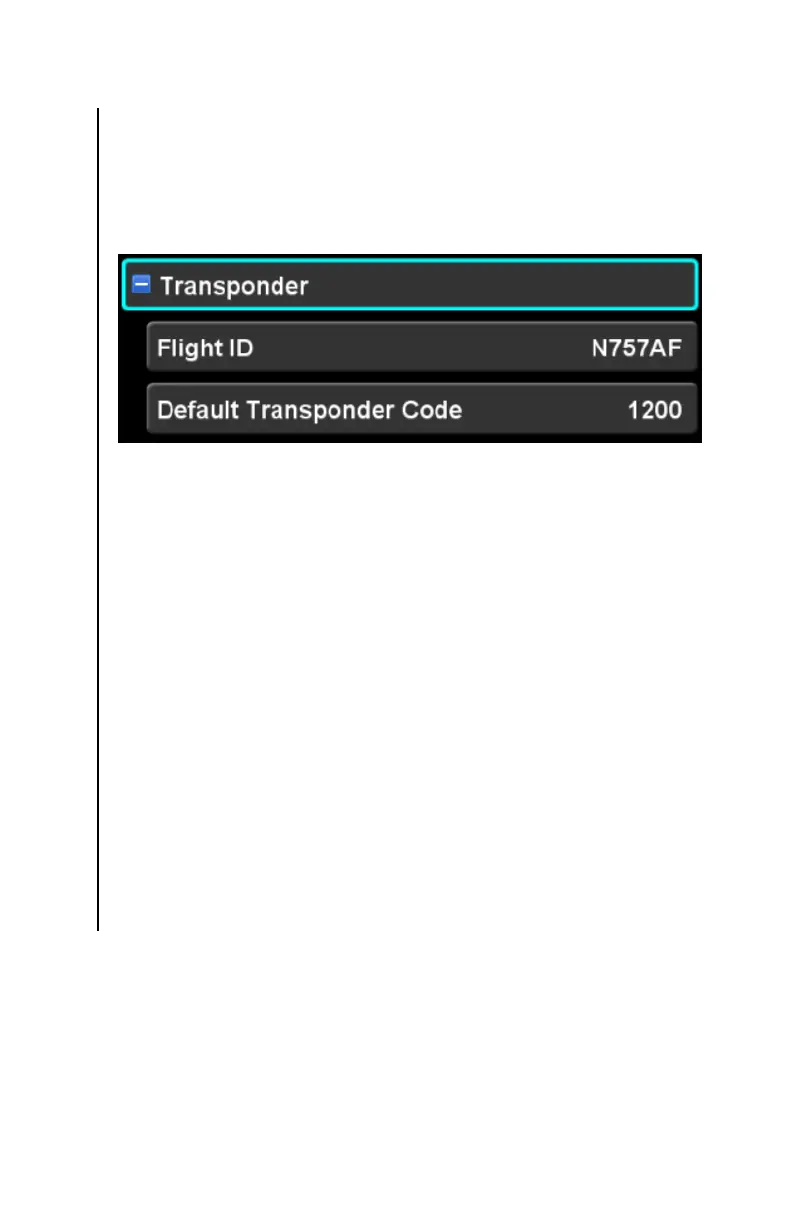
TRANSPONDER CATEGORY
When configured to control a remote transponder, the IFD uses
the settings in this category to configure and control the
transponder. If the IFD is not configured to control a remote
transponder, the category and related settings will not be shown.
Flight ID
This setting defines the ADS-B flight ID to be transmitted by the
transponder. Typically, this is set to the aircraft tail number.
The factory default for this setting is “0000000”. Once a tail
number has been defined (via Maintenance Mode), the default for
this setting is the tail number.
If the flight ID is edited to be a blank value, the value will be reset
to the tail number (or the factory default if no tail number has
been defined).
Default Transponder Code
This setting defines the transponder code that will be used when
the transponder is set to “VFR”. The factory default setting is
“1200”.



 To Next Page