IFD500 Series Pilot Guide
5-62 Aux Subsystem
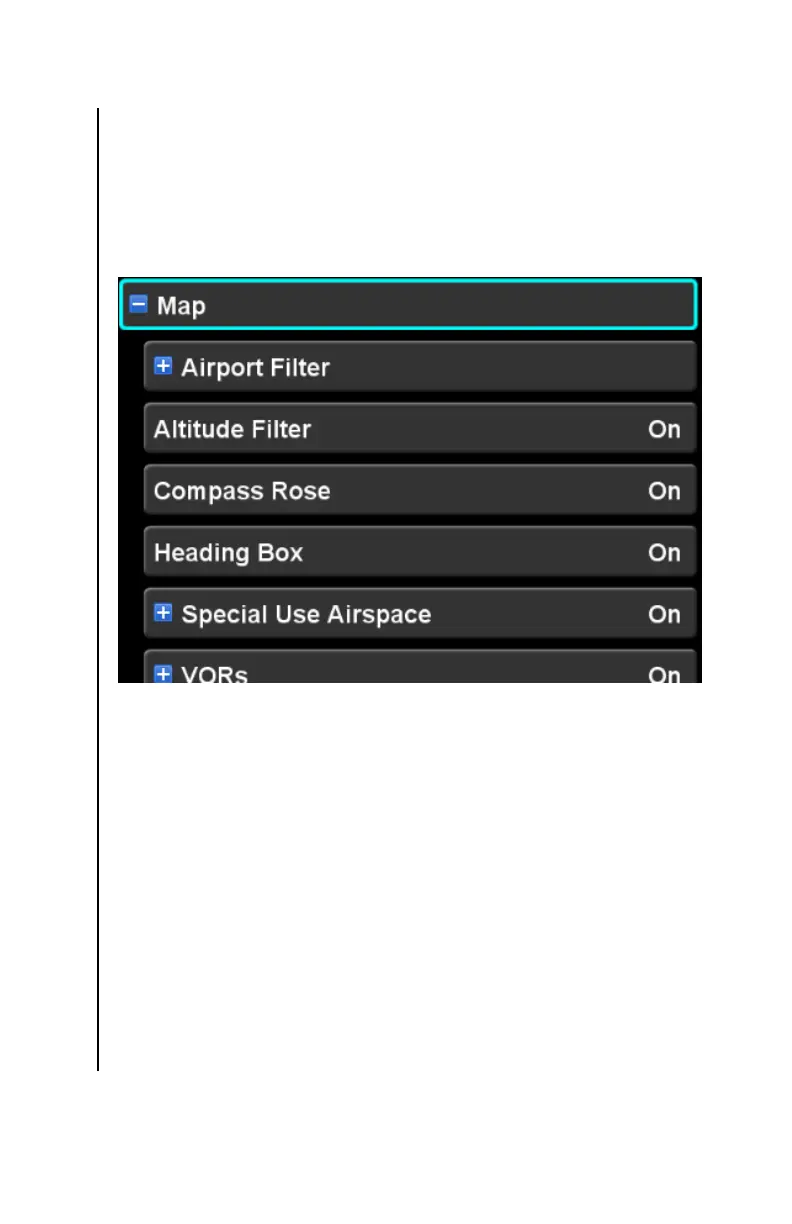
MAP CATEGORY
Presentation of the IFD moving map is highly configurable using
the settings under this category. Primarily, this category consists
of a setup item for each available map layer. Other settings
include airport filtering controls and on/off controls for high level
features such as the compass rose.
Map Orientation
This setting controls whether the top of the map is oriented with
the aircraft heading or with the aircraft track. The factory default
setting is “Heading Up”.
On power up, the orientation will be set to Track Up for 30
seconds in order to give the IFD time to determine whether a
valid heading source is available.
At any time after the initial 30 seconds, if aircraft heading
unavailable, the map orientation will be set to Track Up and this
setting will not be shown on the Setup Page. If aircraft heading
becomes available, and has remained available for 10 seconds,
the setting will again be shown on the Setup Page.



 To Next Page