IFD500 Series Pilot Guide
5-22 Aux Subsystem
SETUP TAB
The Setup Tab provides the capability for one or more users to
tailor the look and feel of the IFD to best accomplish their
mission. Many of the setup options exist simply to adjust the
format of data that is presented on the IFD (e.g. units of measure,
whether page tabs are hidden). However, there are many setup
options that control the overall operation of the IFD, including com
radio frequency spacing, display brightness, and WiFi
connections.
CATEGORY STRUCTURE
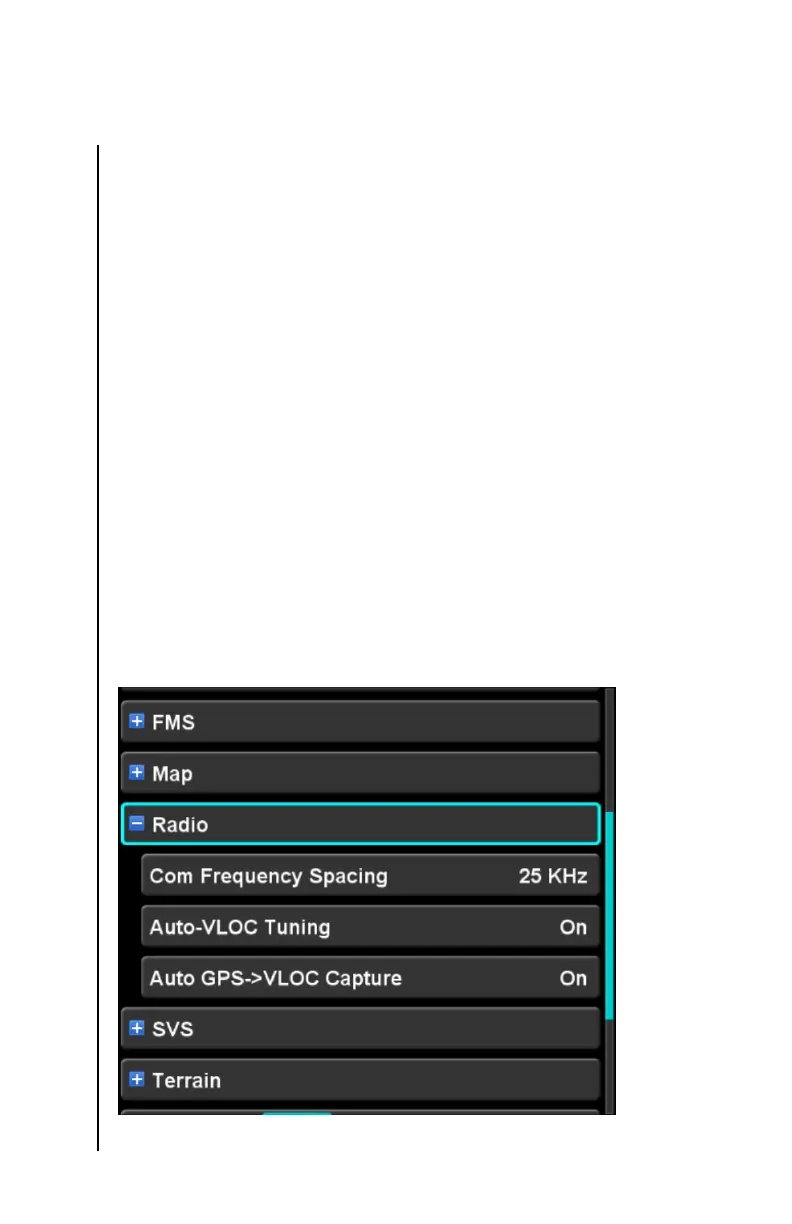
The Setup Tab is organized using a set of categories. Each
category can be expanded to reveal settings relevant to that
category. Each setting within a category will be indented as a
visual indication that it belongs to the category. Some categories
contain further sub-categories, which can also be expanded. The
result is a hierarchical structure of settings which uses familiar “+”
and “-” icons to indicate whether a category is expanded or
condensed. In order to limit the page to a manageable number of
items, only one category can be displayed at a time. Therefore,
when one category is expanded, all other categories at that same
level are condensed.
Setup Tab – Single category expanded



 To Next Page