IFD500 Series Pilot Guide
Map Subsystem 4-59
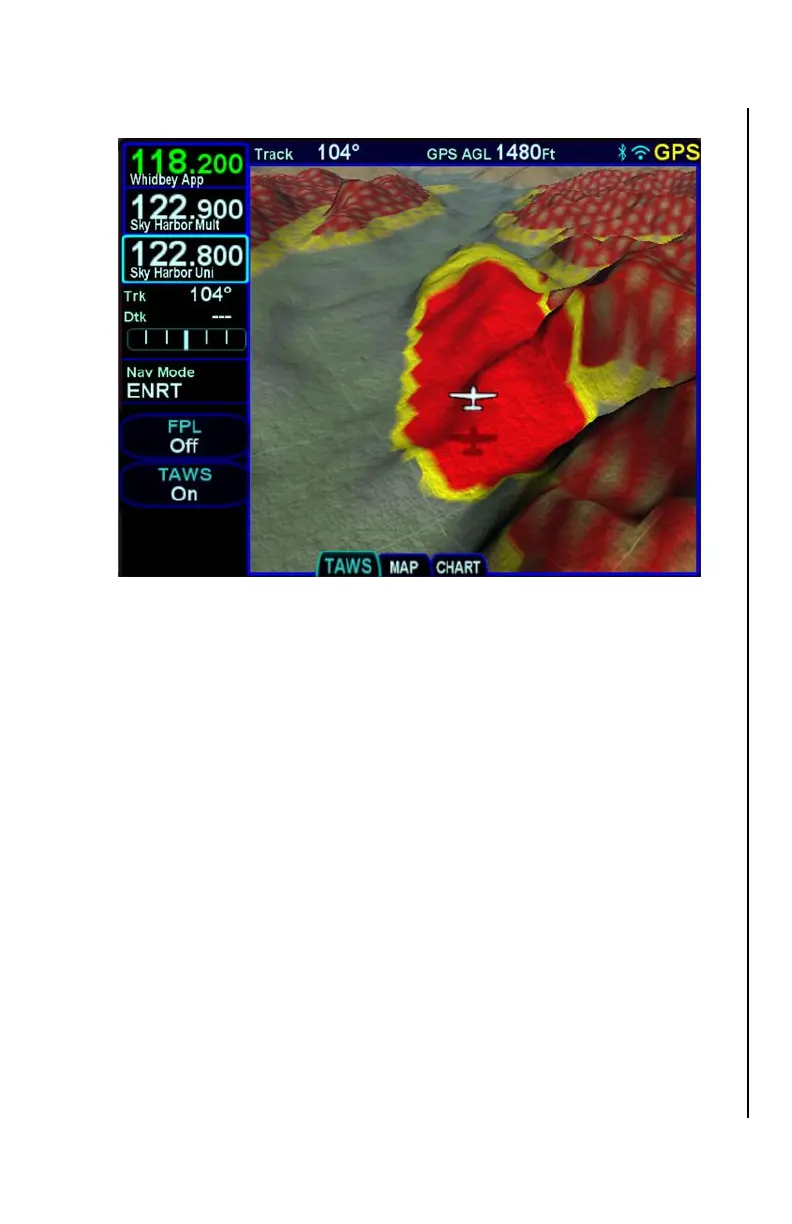
Map SVS – Terrain Awareness and FLTA Coloring
FLIGHT PLAN DISPLAY
The display of the flight plan on the Map SVS view is controlled by an
LSK titled “FPL”. When the FPL selection is “Off”, the flight plan legs
will not be overlayed on the Map SVS view.
When the FPL selection is “On”, the FMS flight plan will be overlayed
on the Map SVS view. The flight plan legs are displayed
approximately 300 meters below the aircraft altitude and will also
cast a conformal shadow across the terrain immediately below the
flight plan. Any part of a flight plan leg that would be drawn below
ground level, will not be shown. As a result, the flight plan may
appear to go underground when descending or over variable terrain.
When the FPL selection is “Shadow”, only the conformal shadow will
be shown.
Flight plan legs are depicted using the same styles as on the 2D map
view. That is, the active leg is depicted in solid magenta, the next leg
is a candy-striped magenta/white depiction, downpath legs are
depicted in white, and inactive missed approach legs are shown in
dashed white.



 To Next Page