IFD500 Series Pilot Guide
5-6 Aux Subsystem
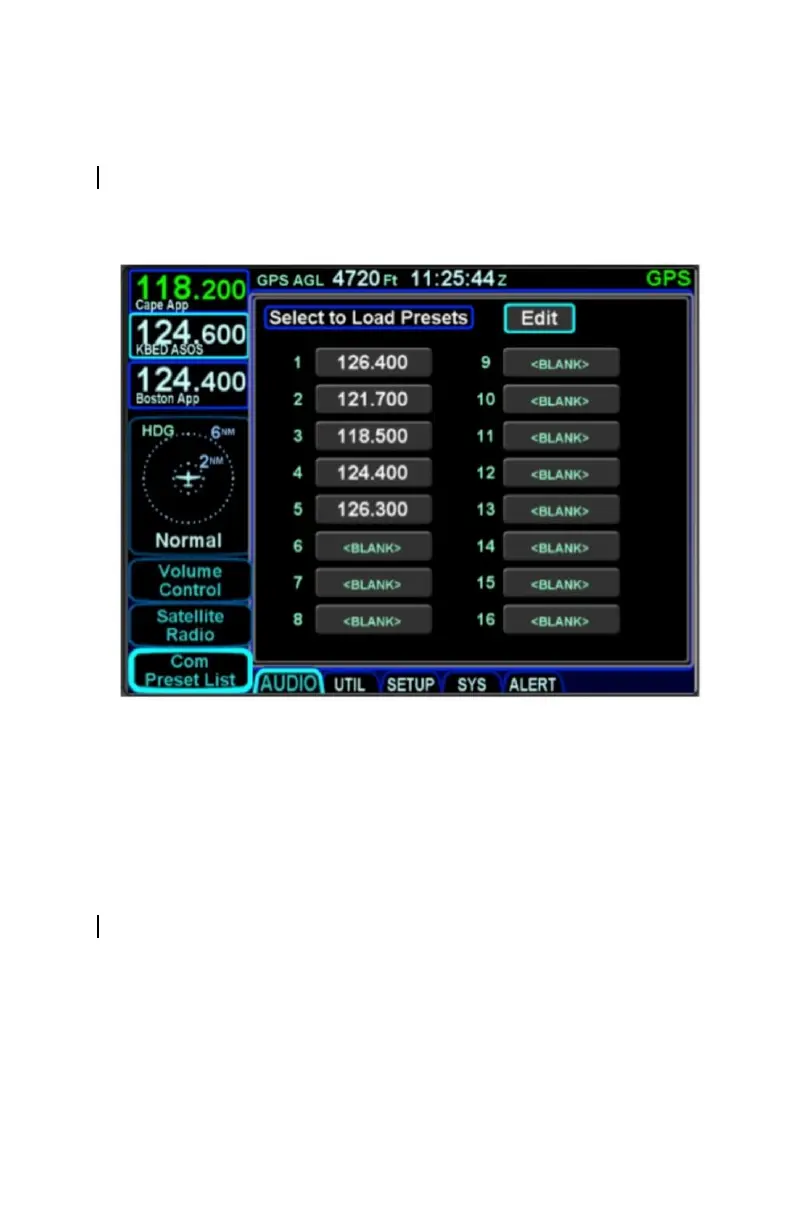
COM PRESETS †
The “Com Preset List” LSK can be used to nominate one of up to
16 selected preset frequencies into the Standby com radio slot,
typically using a dedicated switch in the cockpit.
Com Presets Page
Preset frequencies can only be changed when the page is in edit
mode. To put the page in edit mode using the touchscreen, touch
the "Edit" box in the top right corner of the display. To put the
page in edit mode using the right knob, move the cursor to the
"Edit" box and press the knob button. The "Edit" box will appear
in dark blue to indicate that the page is in edit mode.
To enter a frequency into a preset, put the page into edit mode
and then either touch or turn the right knob to move the cursor to
the desired preset. Touch the selected preset or press the right
knob button to start entering a frequency. If using the virtual
keyboard to enter the frequency, note that shorthand frequency
notation cannot be used when entering com presets. Therefore,
a complete frequency must be entered (e.g. "121.7" instead of
"217"). Press ENTR or the right knob button to complete the
entry and take the page out of edit mode.



 To Next Page