IFD500 Series Pilot Guide
5-54 Aux Subsystem
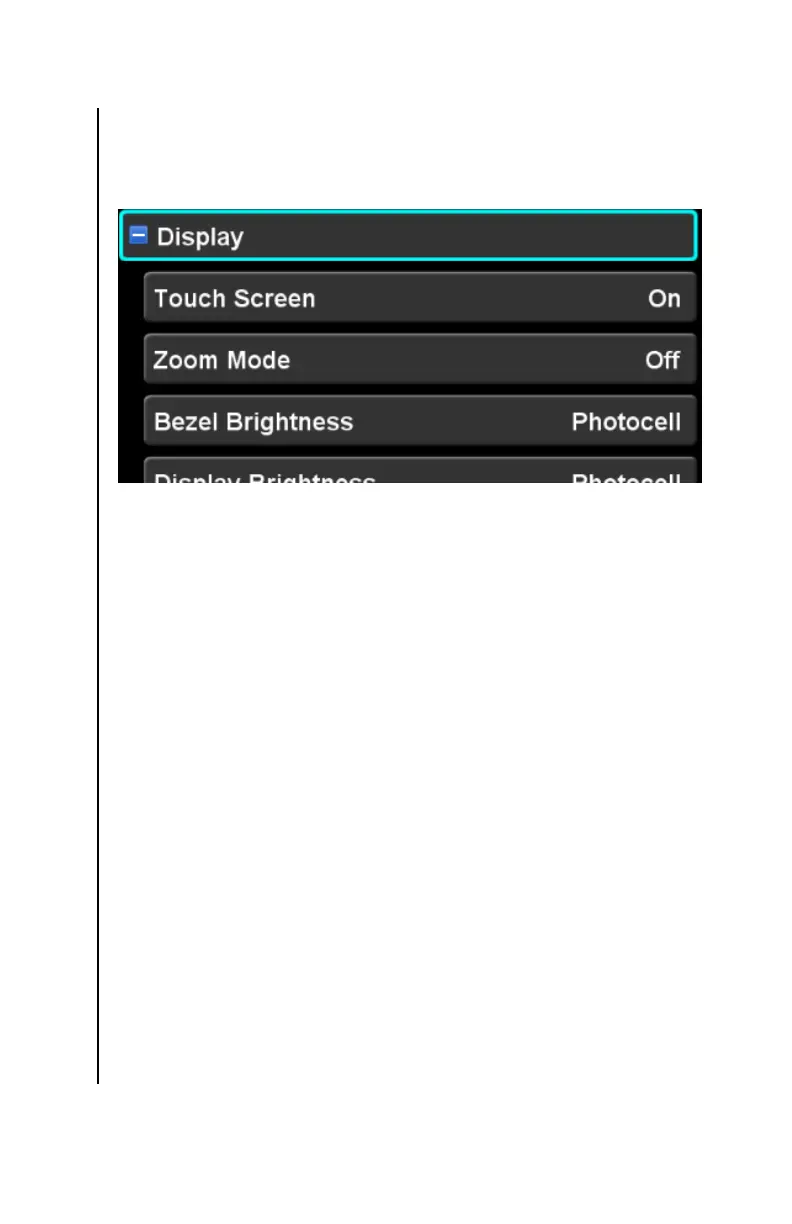
DISPLAY CATEGORY
The items in this category control appearance and behavior of the
IFD front panel display.
Touch Screen
This setting controls whether the IFD touch screen is enabled.
Virtually all operations on the IFD can be accomplished without
the use of the touch screen. There are a few, however, that will
be unavailable when the touch screen is disabled (e.g. panning
the map, rubber-banding a flight plan). The factory default setting
is “On”.
Zoom Mode
This setting controls whether some IFD display components are
displayed in a bigger font. This setting primarily affects the
datablocks and the LSK legends. The factory default setting is
“Off”.
Bezel Brightness
This setting specifies which of three methods are used to control
the brightness of the bezel knob and button backlights. The
factory default setting is “Photocell”. Each of the selections is
described below.
Dimming Bus – the brightness is controlled using the
aircraft dimming bus control



 To Next Page