IFD500 Series Pilot Guide
Aux Subsystem 5-55
Photocell – the brightness is controlled using the
ambient light measured by the photocell on the bezel.
Brightness is adjusted with no further pilot action.
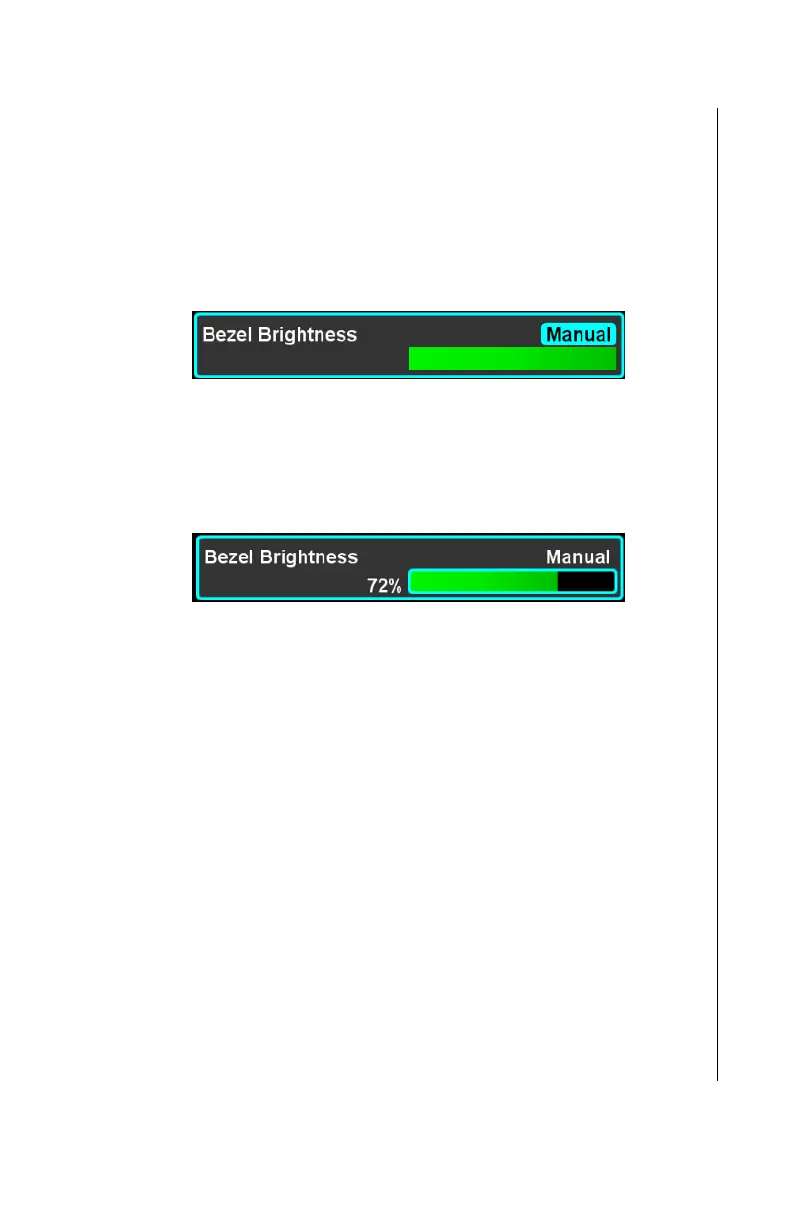
Manual – the brightness is set manually to the selected
brightness level. When “Manual” is selected, the Setup
Page item expands to reveal a green sliding scale
representing the brightness.
Move the cursor to surround the sliding scale by using
the right knob or the touch screen controls, then select
using the right knob button or the touch screen. When
the scale is being edited, the percentage brightness will
be shown to the left of the scale.
The scale can be modified by touching the bar, touching and
dragging the bar, or by rotating the right knob. Any of the normal
controls can be used to complete the edit.
Display Brightness
This setting specifies which of three methods are used to control
the brightness of the IFD display screen backlights. The factory
default setting is “Photocell”.
Operation of the Display Brightness setting is identical to
operation of the Bezel Brightness setting. Refer to that section
for details.
Keyboard Convenience
In a dual IFD installation, an edit can be initiated on one IFD and
a virtual keyboard will be displayed on the other IFD. This feature
is known as “Keyboard Convenience” mode. This setting is used
to control whether keyboard convenience mode is enabled. If it is
not, then the virtual keyboard will be presented on the same IFD



 To Next Page