IFD500 Series Pilot Guide
4-80 Map Subsystem
VIDEO TAB
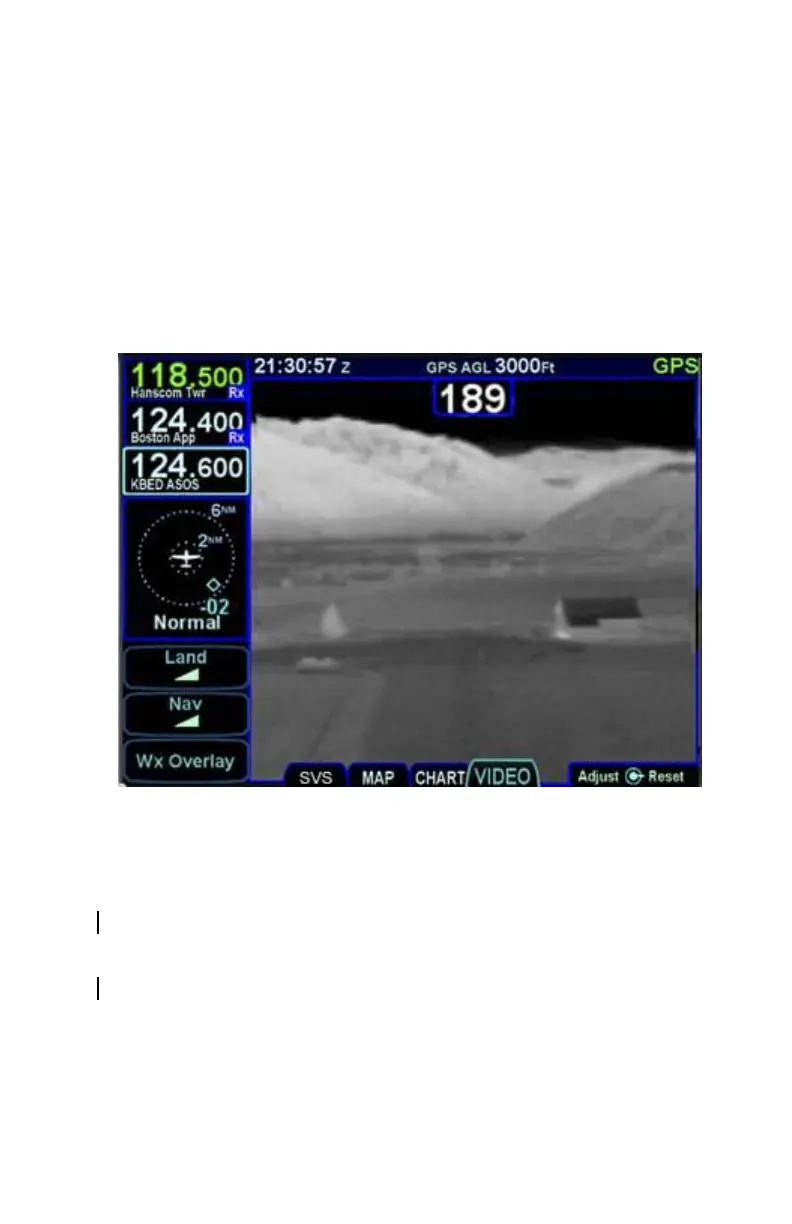
Support for 4x3 aspect ratio RS-170 formatted video display is an
optional capability for the IFD. When this option has been activated
on an IFD, a dedicated “VIDEO” tab is present on the MAP page.
Most Enhanced Vision System (EVS) devices supply an infrared RS-
170 signal and RS-170 electro-optical signal can also be displayed in
gray scale or color on the IFD.
Video Display on the IFD
The video image can be pinch zoomed using two-finger touch
pinching gestures on the glass and finger panned. The pinch
zooming range is 1x to 5x magnification.
Video brightness can be adjusted by turning the bottom right outer
knob.
Video contrast can be adjusted by turning the bottom right inner
knob.
Pressing the bottom right knob restores default values for contrast,
brightness, zoom and positioning.



 To Next Page