IFD500 Series Pilot Guide
Aux Subsystem 5-69
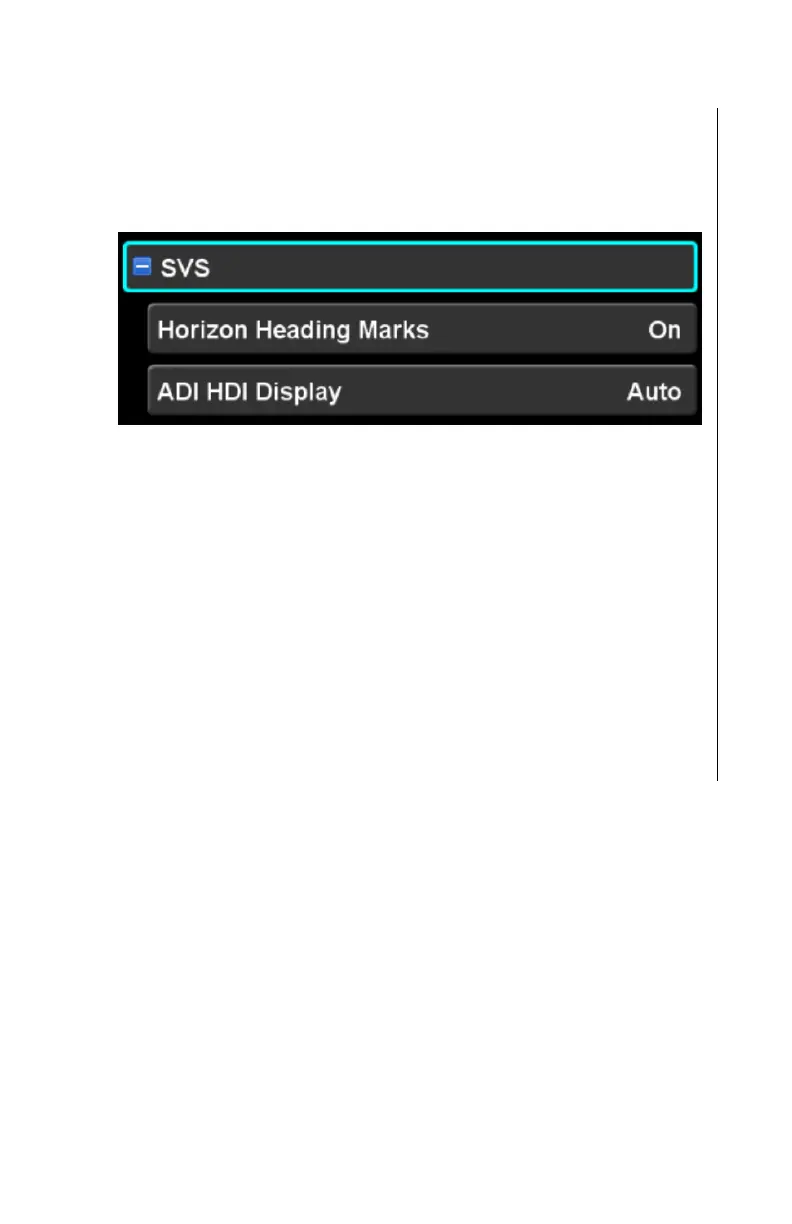
SVS CATEGORY‡
Items in this category control the presentation of the Synthetic
Vision System (SVS) display. This category and the related
settings will be shown only for an IFD550 or an IFD545.
Horizon Heading Marks
This setting controls whether the IFD will show heading reference
marks along the horizon of the SVS display. The factory default
setting is “On”.
ADI HDI display
This setting controls whether the Horizontal Deviation Indicator
(HDI) will always be shown on the SVS display (“Always On”) or
only during approaches (“Auto”). The factory default setting is
“Auto”.



 To Next Page