IFD500 Series Pilot Guide
3-54 FMS Subsystem
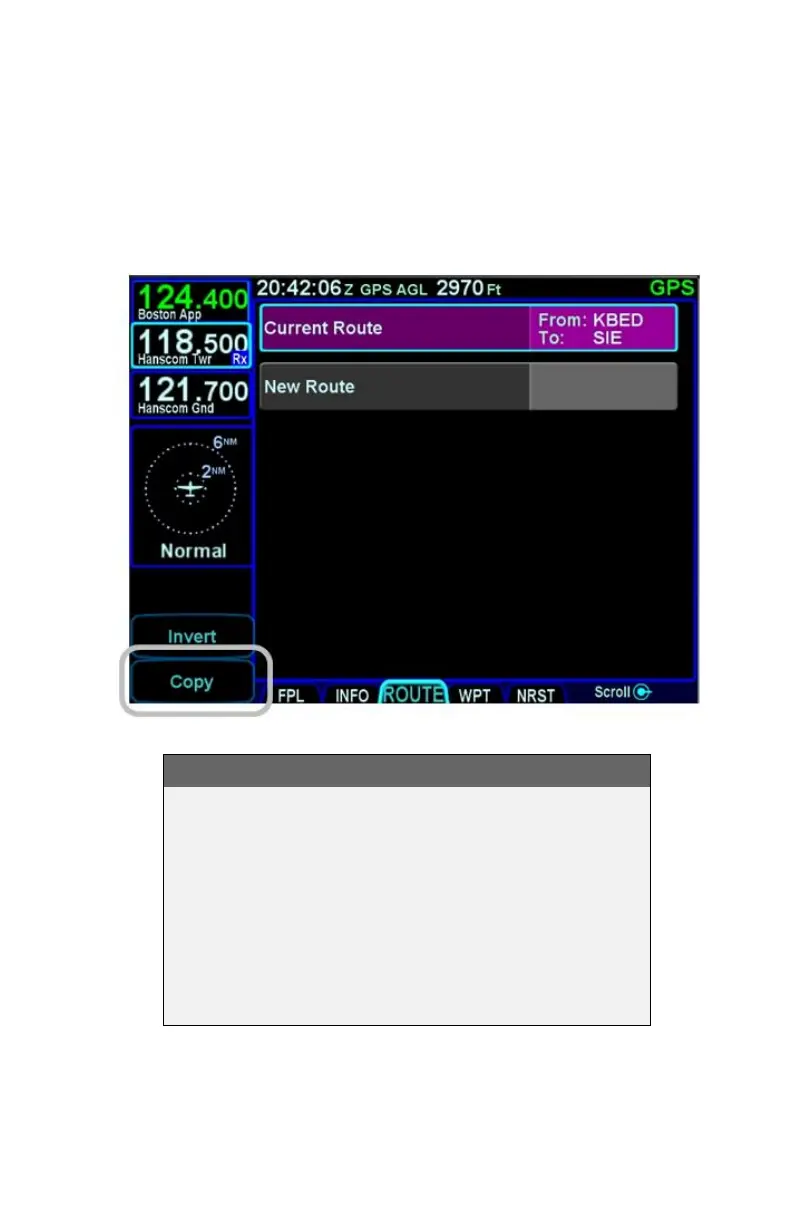
It is possible to save of the active flight plan by highlighting the
"Current Route" row and pressing the "Copy" LSK. Pressing the
"Back To Route List" LSK with no changes will effectively save
the flight plan into a stored route. At that point, the saved version
is like any other stored route.
Copy Route LSK
TIPS AND TECHNIQUES
Route Previewing
Experimentation with routes without altering the
active route (e.g. setting up multiple arrival scenarios
when still far from destination) can be accomplished
by copying the active route on the Route tab,
renaming it for clarity, and editing as desired. When
ready, activate that newly edited route. In dual IFD
installations, use one IFD to view potential changes
without affecting the active route.



 To Next Page