IFD500 Series Pilot Guide
5-38 Aux Subsystem
Device Connection Policy Set and Device Communicating
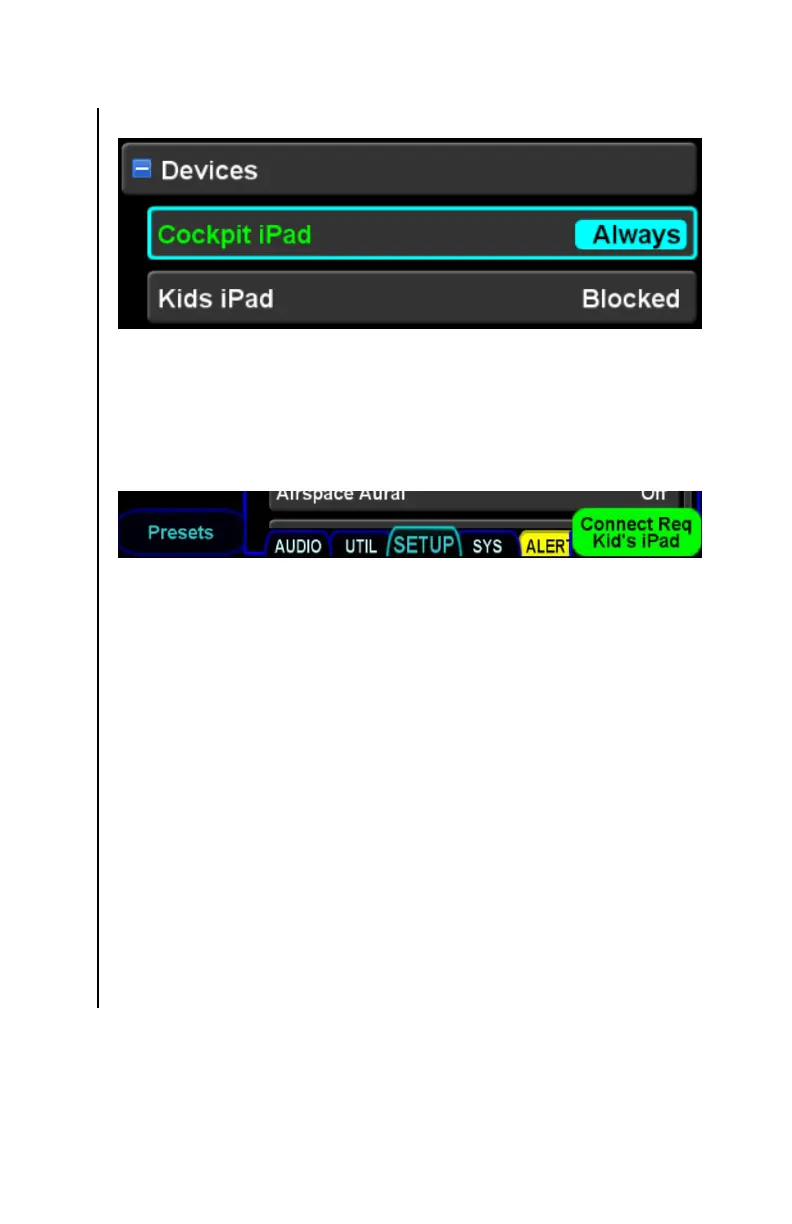
When a device attempts to connect, and the connection policy is
either “Once” or “Blocked”, the IFD will present a green
informational alert containing the name of the device attempting
the connection, as illustrated below:
Connect request informational alert
ADS-B Over WiFi
When the ADS-B Over WiFi selection is “On”, the IFD will forward
data received from a wired ADS-B In source over the WiFi
interface. Most Electronic Flight Bag (EFB) applications will use
this data to display weather and/or traffic. Some EFBs can be
configured to get ADS-B data over other interfaces (e.g.
Bluetooth). In those cases, this setting should be “Off”. The
factory default setting is “On”.
The ADS-B Over WiFi setting will only be shown if the IFD is
configured to receive data from a wired ADS-B In source.



 To Next Page