IFD500 Series Pilot Guide
FMS Subsystem 3-27
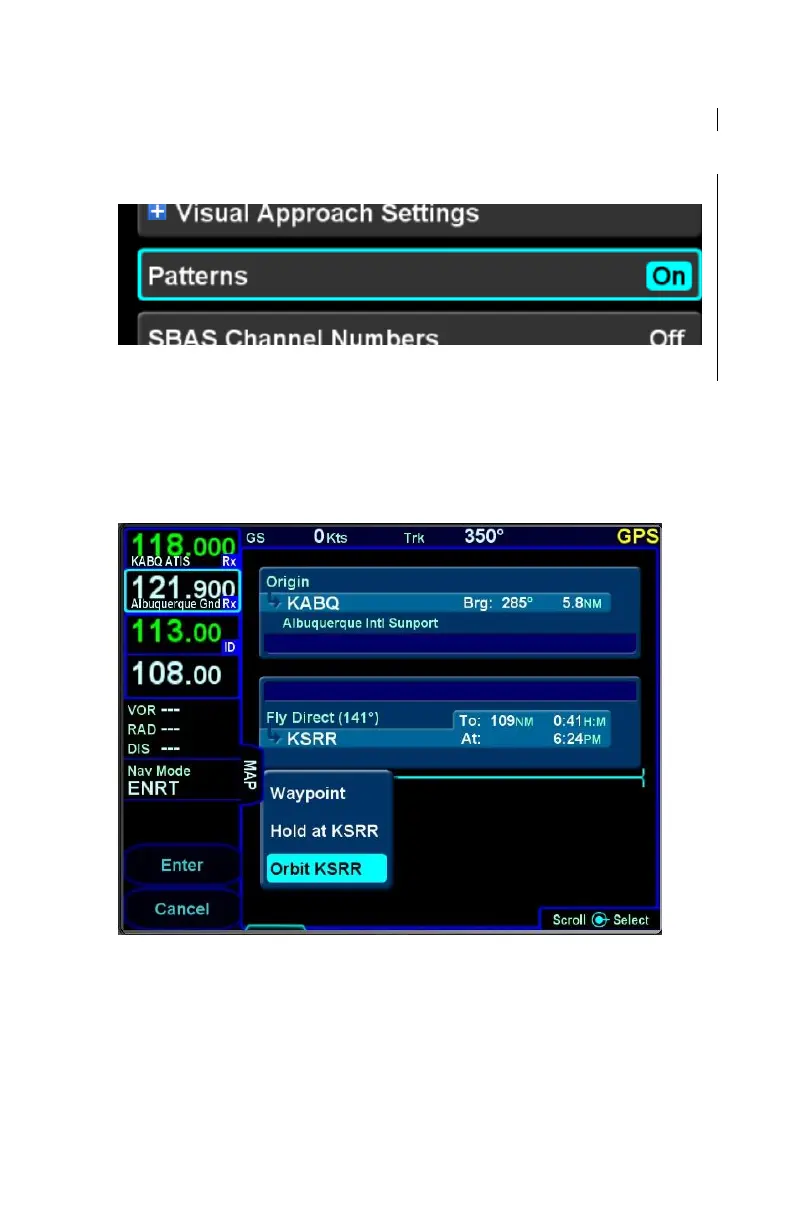
The function is activated on the Setup Page by setting the
"Patterns" field to “On”.
Circular Orbit Pattern Selection on Setup Page
Once on, the leg type is selected just like all other leg types but is
only available after a leg that is not part of a terminal procedure.
Select the “Orbit <waypoint>” option in the standard FMS insert
cursor drop down list.
Circular Orbit Dropdown Selection
The orbit radius can range from 0.5nm to 100nm. The FMS will
not actually fly to the orbit fix and instead, will fly to the point
where the leg to the fix intercepts the orbit.



 To Next Page