IFD500 Series Pilot Guide
FMS Subsystem 3-63
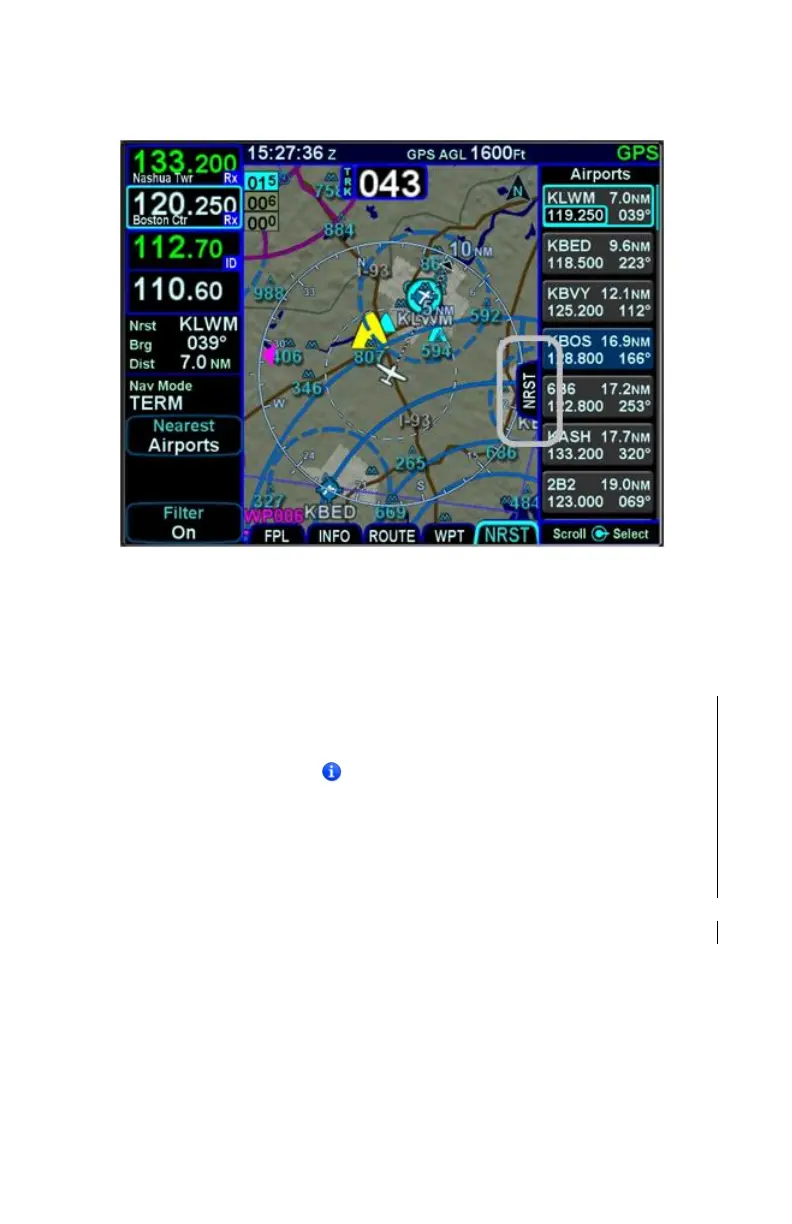
Split Nearest Tab
When using the split Map-Nearest view, the row that is
highlighted in the Nearest list will also be highlighted in cyan on
the map.
For those rows that contain a frequency, touching the frequency,
or using the bottom right knob to highlight it and then pushing the
knob will nominate the frequency into the standby slot.
Some rows contain an icon to indicate that more information
about the facility is available on the Info tab. To quickly access
the Info tab, either touch or rotate the inner knob to move the
cursor to surround the icon. Then touch or push the knob to
display the Info tab for the specified facility.
For those rows that contain a chart icon on the right side,
touching the chart icon or using the bottom right knob to highlight
it and then pushing the knob will jump the page to the CHART tab
on the MAP page with the Chart directory for that airfield
displayed.
For airports that have a METAR associated with them, a colored
METAR flag will be displayed on the right side.



 To Next Page