IFD500 Series Pilot Guide
5-10 Aux Subsystem
or the knobs to edit the name, then press Enter or push the knob
to complete.
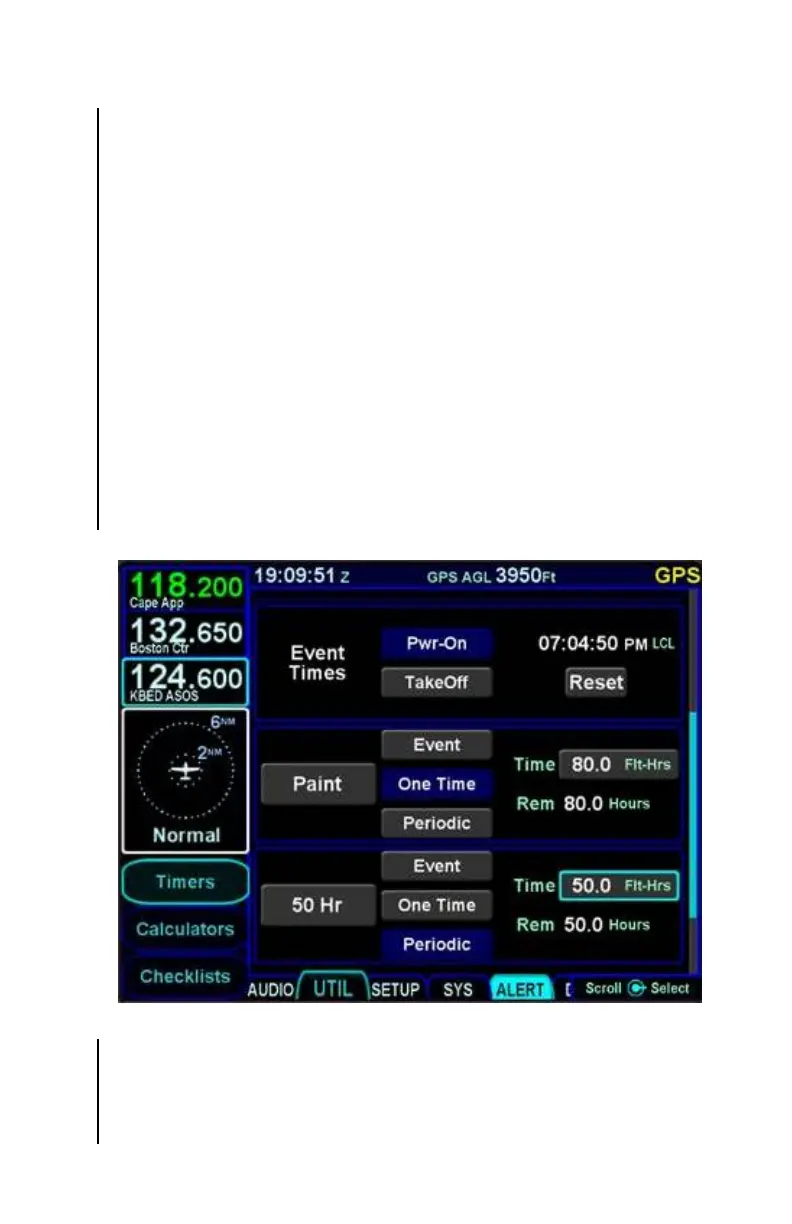
A custom timer can be defined to expire at a specific date and
time or after a specified number of flight hours.
When a custom timer expires, the IFD will issue an alert
containing the name of the timer. If the name of the timer is
blank, the alert will show “Timer”.
To define a timer to expire at a specific date and time, select
“Event” and then edit the time and date fields.
To define a timer to expire after a number of flight hours, select
“One Time” or “Periodic” and then edit the number of flight hours.
As the timer is running, the number of hours remaining until the
timer expires is displayed below the time field. If “Periodic” was
selected, then the IFD will restart the timer when the time expires.
Custom Timer Examples
Acknowledging the alert when a custom timer has expired (via
touch or pressing the CLR button) will clear the alert message,
but will not delete the timer.



 To Next Page