IFD500 Series Pilot Guide
5-14 Aux Subsystem
NOTE
The basic empty weight, maximum takeoff weight,
and maximum landing weight, are all entered using
Maintenance Mode, typically at time of installation.
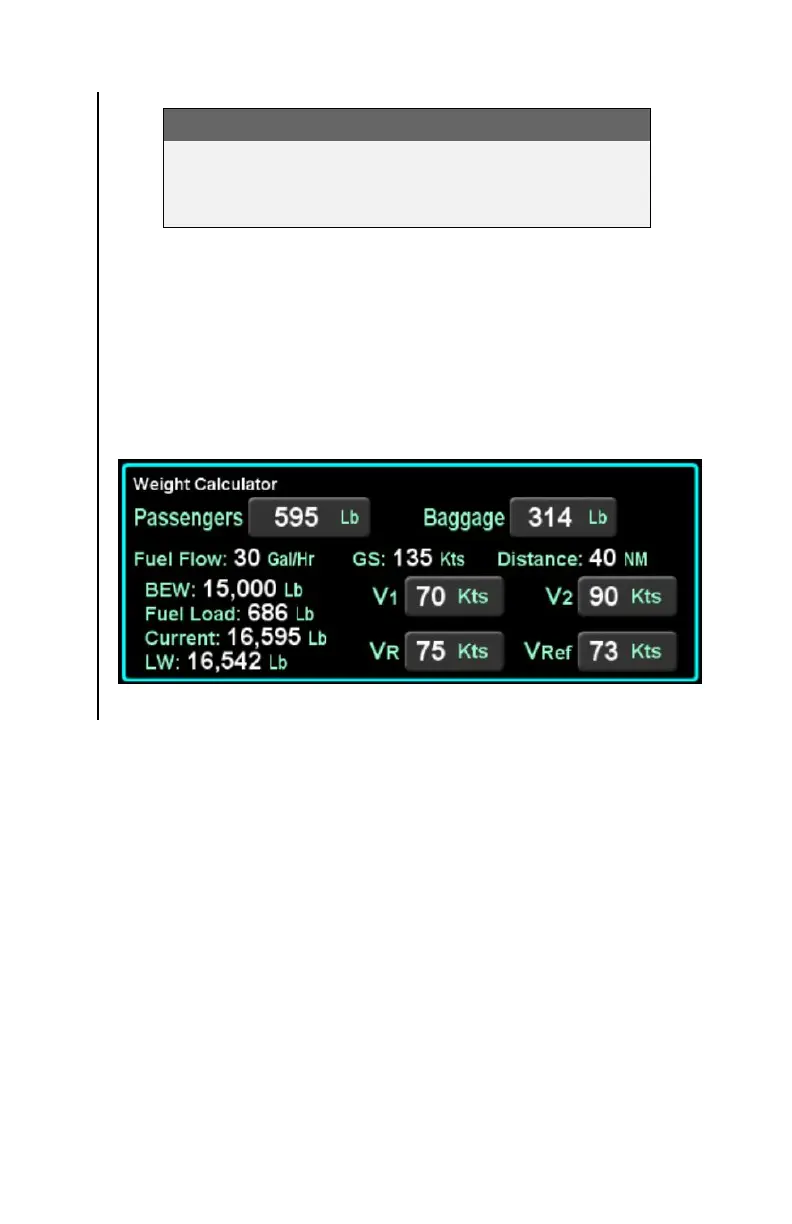
If the IFD has been configured for a multi-engine aircraft, the
weight calculator will show additional buttons V
1
, V
2
, V
R
, and V
REF
in the bottom right corner of the calculator tile. While values can
be entered into these fields, the IFD does not use those values
for any other calculations or displays. They are only used for pilot
reference.
Weight Calculator
Trip Planner
The trip planner includes fields for type, destination, ground
speed, departure time (departure time will track current time until
takeoff) and departure date and will produce values (straight line
connecting start/end) for desired track, distance, ETE, ETA,
sunrise and sunset, and enroute safe altitude (ESA) - defined as
1000’ above the maximum elevation of displayed terrain
(including obstacles) within a rectangular grid that measures 10
miles on each side of the centerline of the active leg or portion of
the active leg that is currently displayed on the Map page.
The “Type” field choices are “Present Position” or “Point-to-Point”.
If Point-to-Point was selected, then there is also a field for origin.



 To Next Page