IFD500 Series Pilot Guide
Aux Subsystem 5-65
conditions varies with the layer since not all conditions are
applicable to all layers.
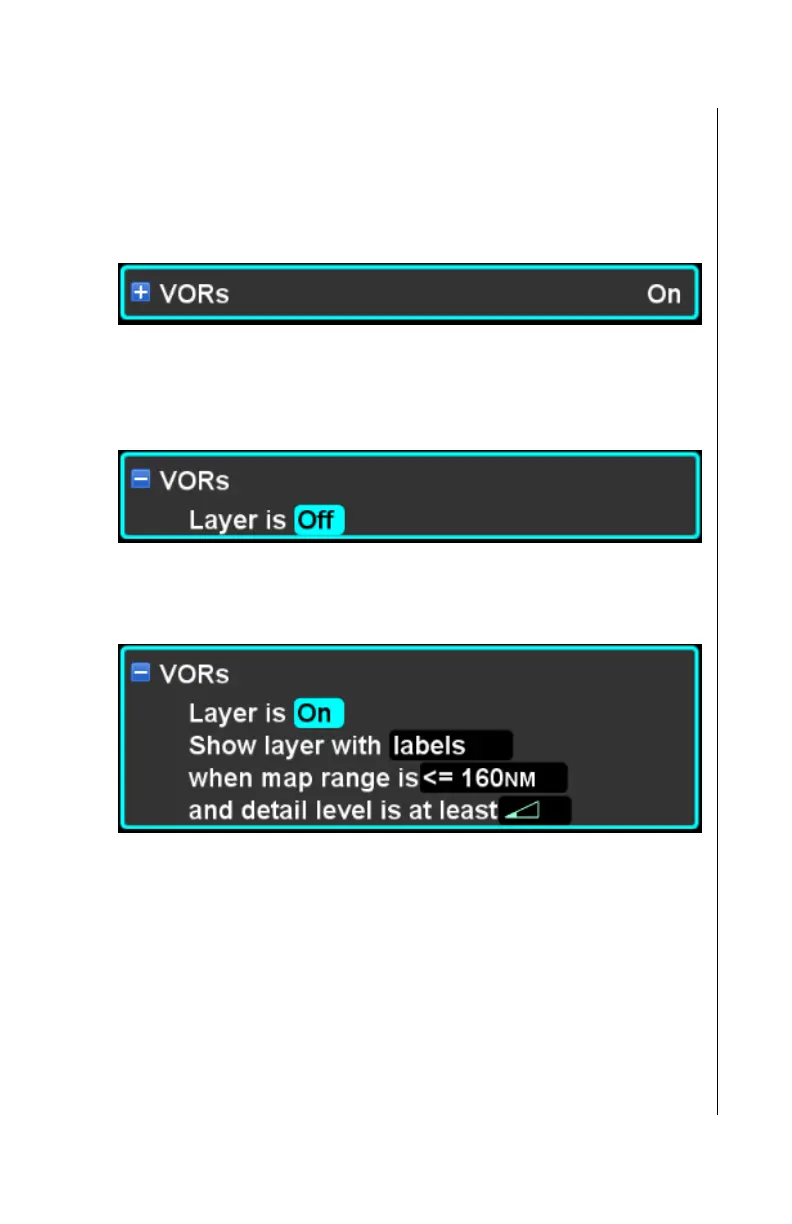
Each layer has an overall on/off setting that controls visibility of
the layer. When the layer is condensed, the overall visibility of
the layer is shown on the right side of the item.
When the item is expanded and the layer is “On”, the set of
conditions for that layer are shown. However, if the layer is off,
none of the other conditions are shown.
Once the layer is turned “On”, the set of conditions applicable to
that layer are revealed.
Like the airport filter, the layout and wording of conditions within a
map layer is designed to make the set of conditions read like a
sentence. The sentence is structured to clearly specify the set of
conditions that must be met in order for items in the layer to be
shown. Each of the possible criteria is described in the sections
below.
Map layers have several possible default settings either
corresponding to the intended mission or “factory” default. See
the “Presets” section for a discussion of those default settings.



 To Next Page